Translation Earbuds vs Phone Apps: What You Gain
By Mark Fulton · August 13, 2026
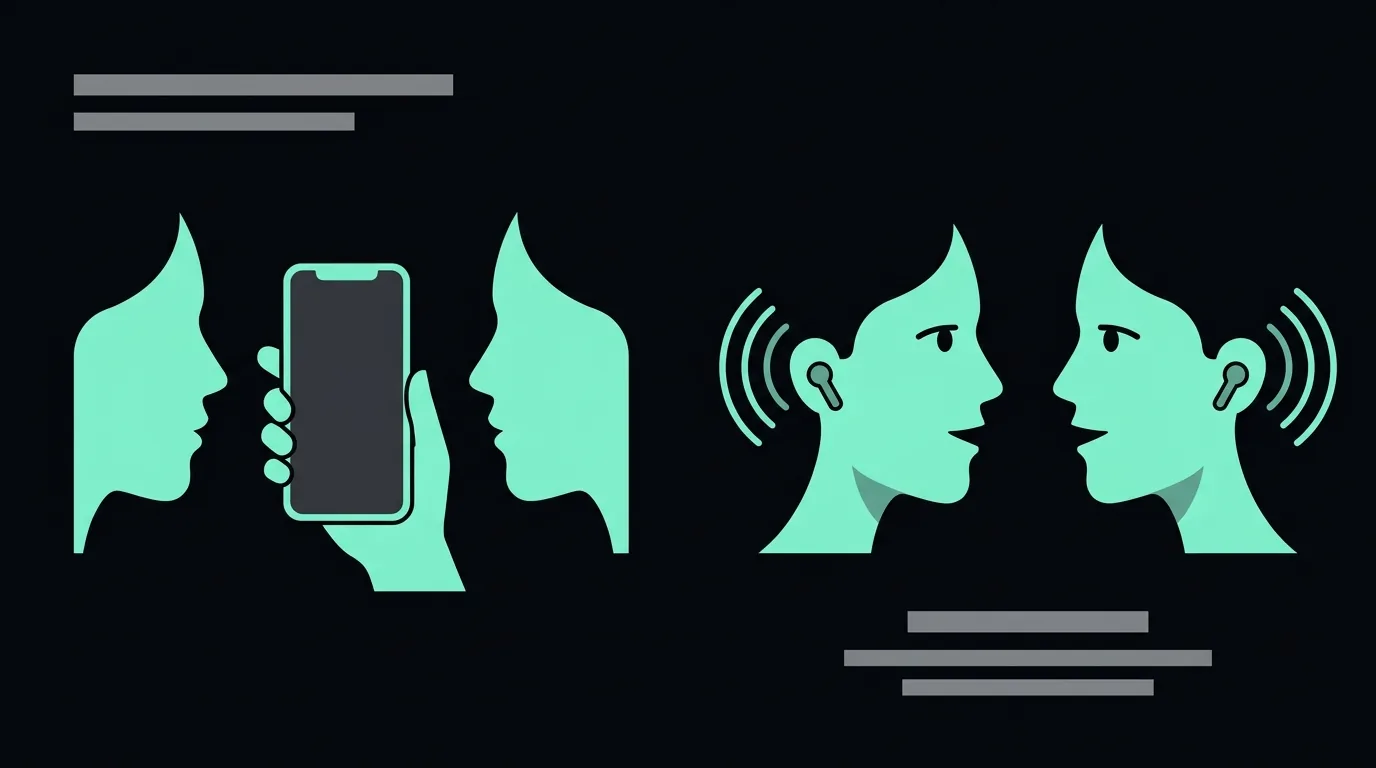
Start with the free phone app. For most of what travellers actually need, which is reading a menu, decoding a sign, asking one question and getting one answer, Google Translate on the phone already in your pocket is sufficient, it costs nothing, and it does two things earbuds can't do at all: it reads text through the camera, and it works with no signal once you've downloaded the language. The case for earbuds is narrower than this category likes to admit. It comes down to one thing: not holding a phone between two faces while a real conversation happens. If your translation needs are lookups, buy nothing. If they're conversations, the audio path is worth paying for, and even then you may only need to buy the software.
I sell an earbud kit, so that opening costs me sales. I'm writing it because every comparison in this search result is really an argument that the author's own form factor wins. An earbud brand concludes you want earbuds. A glasses brand concludes you want glasses. An app publisher concludes apps beat hardware, then offers you its app. None of them opens by telling you the free option is probably enough.
This post is about the form-factor choice specifically. If you're still asking whether these devices work at all, I wrote an honest answer to that first. If you want to know where the translation actually happens and why the language counts on listings are inflated, that's the mechanism explainer.
What can a free phone app already do?
More than most earbud marketing implies, and it's worth being specific about, because this is the baseline any paid option has to beat.
It reads the world through the camera. Google's own documentation for the Translate app describes pointing your phone at text so you can translate signs or handwritten notes. This is the single most common travel translation task, and no earbud in existence does it. A microphone cannot read a menu.
It works without a connection. Google's help page for downloading languages to use offline states plainly that downloading a language lets you translate it without an internet connection, and the camera page confirms camera translation keeps working for downloaded languages while you're disconnected. That covers the plane, the rural bus, the basement restaurant, and the day your roaming plan gives up.
It already does spoken conversation, out loud. This is the part earbud vendors are quietest about. Google documents a live speech-to-speech mode where, in its own words, translations play out loud on your phone speakers or headphones, and you take turns speaking, with the microphone detecting when one language stops and the other starts. The page notes it works with or without headphones.
Read that last one again, because it reframes the whole comparison. "Audio in your ear" is not a feature you have to buy hardware for. Pair any headphones you already own and the free app will play translated speech into them. Anyone selling you earbuds on the basis that they put translation in your ear is selling you something the free option already includes.
So what's left?
What does putting the audio in your ear actually change?
Three things, and only three. I'd rather list them honestly than pad the list.
The microphone moves closer to a mouth. Recognition quality is the whole ballgame. Every downstream stage inherits the transcript, so a bad transcript produces a fluent, confident, wrong translation. A phone lying on a café table is a metre away from the person speaking, pointing at the ceiling, competing with everything else in the room. A microphone in an ear is a few inches from a mouth and oriented toward it. That's a real physical advantage, and it's the reason our earbuds are specified around voice capture rather than bass response.
The second earbud can go in someone else's ear. This is the configuration that actually feels like a conversation instead of like operating a device: one bud each, both people hearing their own language, nobody waiting for a speaker to finish playing to the whole room. It requires a person willing to put your earbud in their ear, which rules out strangers and rules in colleagues, hosts, guides, in-laws and anyone you'll spend more than five minutes with.
The phone leaves the space between you. Someone in a travel group put this better than any vendor page has: holding a phone up to a street food vendor feels like filming a documentary. The object between two faces changes the interaction. People perform for it, or shorten what they say, or stop looking at you. Take the object away and you get eye contact back, which is most of what makes a conversation feel like one.
That's it. That's the honest list. Notice what isn't on it: earbuds don't translate faster, don't translate more accurately, and don't support more languages, because in almost every product in this category the earbuds aren't doing the translating at all. Speed and accuracy belong to the software.
Which situations make a phone genuinely awkward?
Concretely, rather than as a category:
- Anything where your hands are busy. Carrying luggage, holding a child, cooking with someone, working on a site, riding a bike alongside someone, pushing a trolley through a market.
- Anything longer than a few turns. Holding a phone at conversational height for twenty minutes is genuinely tiring, and everyone lowers it, and then the microphone is pointing at the floor.
- Anything where the phone itself is a liability. Crowded stations, night streets, markets where you'd rather not advertise an expensive handset sitting in your palm.
- Anything where the other person needs to feel talked to, not recorded. Negotiating a price, being hosted for a meal, a first meeting with someone you'll work with. Pointing a phone at a person reads as documentation, not conversation.
- Anything where you need to hear them while looking at something else. A tour, a workshop, a kitchen, a walk through a factory.
If none of those describe your trip, you have your answer already, and it costs zero dollars.
Which app turns earbuds you already own into a translation earbud?
This is the question most people are actually asking when they start shopping, and it deserves a straight answer rather than a product page. You do not need to buy translation hardware to get translated speech into your ears. You need a translation app and any Bluetooth earbuds, and three of the four routes below cost nothing.
The phone's own translation app, played through paired earbuds. On Android, Google documents a live conversation mode where translations play out loud through the phone speaker or through headphones, with the microphone detecting which language is being spoken. On iPhone, Apple's Translate app has an equivalent conversation mode for spoken translation. Either one, with the earbuds already in your pocket, is the free baseline. Start here before spending anything.
The earbud maker's own companion app. Pixel Buds on a Pixel phone, and several of the AirPods models, expose translation as a feature of the buds themselves rather than as an app you open. The experience is smoother because the pairing and the hand-off are handled for you, and the trade is that it works properly only inside that manufacturer's ecosystem. We took both apart in AirPods live translation versus translation earbuds and Android live translate and Pixel Buds.
A third-party translator app paired with generic earbuds. The app stores carry a long tail of these, and quality varies enormously, because almost none of them build their own speech or translation models. They are interfaces over somebody else's engine. Two things to check before installing one: what it does with your audio, which we went through in translation earbuds and privacy, and whether it works offline or silently needs a connection, covered in do translation earbuds need wifi.
A browser tab, with no install at all. This is the route this site takes, and the reason is that an installed app is a commitment made before you know whether the thing works on your language pair. Running the translation in a browser lets you test a sentence first. The wider comparison of that approach against installed apps is in browser translation versus an app.
So when should you buy earbuds built for this rather than use the ones you own?
| Earbuds you already own plus an app | Earbuds sold for translation | |
|---|---|---|
| Cost | Nothing beyond the app | A hardware purchase |
| Microphone aimed at speech | Tuned for calls and music, which is not the same thing | Specified for voice capture |
| A second bud for the other person | You would be handing over half your daily-driver pair | Expected, and the kit assumes it |
| Battery for a long day of translating | Competing with your music and calls | Dedicated |
| Works across phone brands | Depends on the app, not the buds | Usually yes |
The honest reading of that table is that the first column wins for most people. The second column earns its money in exactly two situations: when you need to hand a bud to someone else regularly, and when translation is a working tool rather than an occasional traveller's convenience. If neither describes you, the app plus the earbuds in your pocket is the right answer, and the rest of this page explains why the form factor matters less than the category pretends.
Where does a phone app still win outright?
Four places, and they aren't close.
Text. Signs, menus, labels, forms, packaging, medicine boxes, train departure boards. Camera translation is the most-used translation feature there is and earbuds simply do not address it.
One-shot lookups. "Where is the toilet." "How much." "Does this contain nuts." Pulling out a phone, saying one sentence, showing the screen and putting it away is faster than any device you have to pair, charge and seat in your ear first.
No signal. Downloadable offline packs are a real capability with a real fallback quality tradeoff, but they exist. Our own translation runs a current speech-to-speech model over a live connection, which is why it sounds the way it does, and it means no connection, no translation. That's a genuine limitation of the approach and you should know it before you pay for it.
Cost. Zero. Nothing anyone sells in this category competes with zero for a traveller who needs translation four times on a five-day trip.
If you're reading this to decide whether to spend money, the fair summary is: the free app is the default, and the burden of proof is on anyone asking you to leave it.
What does each option cost in year one?
Here is the comparison the pages ranking for this query mostly avoid. An earbud brand's five-dimension comparison of exactly this question puts no dollar figure on either side at all. Prices below were checked on each vendor's own page on 13 August 2026.
| Free phone app | Earbuds + our translation software | Handheld translator device | |
|---|---|---|---|
| Hands-free during a turn | No, it is held, propped or pocketed | Yes | No, it is a device you hold |
| Eye contact preserved | Poor; the phone sits between you | Good; nothing between your faces | Poor; same object problem |
| One-shot lookups (signs, menus) | Best, because camera translation is built in | Not what it's for; this is a spoken-conversation tool | Good, most include a camera mode |
| Works with no connection | Yes, for languages downloaded in advance | No, it streams to a live model | Varies by product; some ship offline packs, others are built around a bundled SIM |
| Second person can hear privately | Only if they wear your headphones | Yes, one earbud each | No, it plays out loud |
| First-year cost | $0 | $69 kit + $39/year software = $108 | $299.25 (Pocketalk S2 with 5-year eSIM) to $449 (Vasco Translator V4), no annual fee |
A few notes on those numbers, because a table hides nuance.
Ours. The kit is $69 and AI Translation Live is $39 a year, listed separately on the product page rather than bundled into one figure. The licence includes a stated allowance of translation hours, which is shown on the page next to the price. The reason for splitting the price is the whole argument of this site: you're buying a Bluetooth audio device and access to a translation model, those two things have different values, and quoting one number hides which half you're paying for.
Handhelds. Vasco publishes $449 for the Translator V4 on its own product page, and its selling point is a pre-installed SIM with free connectivity for life in nearly 200 countries, and its page describes voice translation as relying on that network connection rather than on offline packs. Pocketalk lists its S2 with a five-year eSIM at $299.25, covering 170-plus countries. Both are credible products and the SIM is a genuinely good idea for a traveller who doesn't want to think about data. They're also four to six times our first-year cost, and you hold them.
The free app. Zero, forever, on hardware you already own. If the table has a winner on price it isn't close, and pretending otherwise would be dishonest.
How do you decide without buying twice?
Test before you spend, in this order.
- Do the free version properly first. Download your language pack, turn on the live speech mode, and put your existing earbuds in. Have one real conversation with it. Most people have never actually tried this and are comparing earbuds against a version of the free app they imagine.
- Notice which half failed. If the free app got the words wrong, the fix is better software, not different plastic. If it got the words right but the experience was awkward, with the phone in the way, your hands full and the other person talking to the screen, the fix is the form factor, and that's exactly what earbuds sell.
- Test the language pair you actually need. Coverage is not quality. The translation engine behind our software reports 57 output languages when you ask it directly rather than reading the number off a box, and English↔Spanish inside that list is a different experience from English↔Nepali inside the same list.
- Run the same sentence twice. The demo on this site runs in your browser with no app and no account, so you can say one sentence into our translation and then say the identical sentence into your phone app and compare them back to back. That's a fairer test than any spec sheet, including mine, and if your phone wins you've saved $108.
- Then decide what to buy, if anything. Software, hardware, both, or neither.
The reason I'm comfortable putting step 4 in writing is that the demo is the argument. If it doesn't sound better than the free option on your own sentence in your own language pair, you shouldn't buy it, and I'd rather you found that out in thirty seconds than after a delivery.
FAQ
Is Google Translate good enough for travel?
For most travel, yes. Its camera mode covers signs, menus and labels, which is the majority of what travellers actually translate; downloaded language packs let it keep working without a connection; and it has a spoken conversation mode that plays through your phone speakers or your existing headphones. Where it gets thin is sustained two-way conversation in a noisy place, because a phone microphone sitting a metre from someone's mouth captures a worse recording than a microphone a few inches from it, and everything downstream inherits that recording. If your trip is lookups and short exchanges, the free app is the right answer and you should keep your money.
Do I need special earbuds or will mine work?
Your existing earbuds will work for a great deal of this. Google's own documentation says its live translation plays through headphones you've already paired, and our AI Translation Live runs in a browser rather than an installed app, so it plays through whatever audio device your phone or laptop is already using. There is no lock-in on our side: Live is sold on its own, at the same $39 a year, for exactly this reason. What you don't get with earbuds designed for music is a second bud you're happy to hand to the person you're talking to, and a microphone chosen for voice capture rather than for keeping wind noise out of a run.
Are translation earbuds worth it if I already have AirPods?
If you already own good earbuds, you already own the audio half of this, and buying more plastic is the wrong purchase. Buy the software instead and use the earbuds in your pocket. That's not a rhetorical concession. It's why AI Translation Live is available as a standalone $39 licence and not only as an add-on to a $69 kit. The two situations where a dedicated pair still earns its place are wanting a spare bud to hand to another person mid-conversation, and not wanting to burn your daily-driver earbuds' battery on a long day of translation. Neither is a reason to replace working hardware.
Which is faster, an app or earbuds?
Neither, inherently, and any page that tells you one form factor is a specific percentage faster is measuring two pieces of software, not two shapes. The earbuds in almost every consumer product under a few hundred dollars contain no translation capability at all; they're a microphone and a speaker on a wireless link, and the delay you feel comes from the recognition, translation and speech pipeline running on your phone or in a data centre. Put the same engine behind a phone app and behind a pair of earbuds and the latency is the same. When you see a speed comparison, look for the test set, the language pair and the noise condition. If none of the three is published, the number isn't a measurement.
Is there an app that makes any earbuds into translation earbuds?
Effectively yes, for the listening half. Google's Translate app plays its live conversation output through paired headphones, and Apple's Translate app does spoken conversation on iPhone, so any Bluetooth earbuds you already own will speak translated audio into your ear at no cost. What an app cannot change is the hardware underneath it: a microphone tuned for music and calls, one pair of buds rather than two people wearing one each, and a battery already committed to your day. Those are the only things a purpose-built kit actually adds.
Why does a translator app sometimes work far better in one language than another?
Because coverage and quality are different claims and only one of them goes on the box. A published language count tells you which pairs an engine will attempt, not how well it does them. Pairs with enormous amounts of training material behind them, English and Spanish for instance, behave very differently from pairs with little. We unpicked how those counts get inflated in the 144 languages claim explained, and the fix is always the same: test your own pair before you pay for anything.
Does any of this work without an internet connection?
The phone app does, for languages you download in advance, and that is a genuine advantage over most streaming translation including ours. Offline packs are smaller and older than the live models, so the quality drops, but working badly beats not working at all on a plane or in a basement restaurant. Which products stream and which do not is the whole subject of do translation earbuds need wifi.
What about a noisy street or a busy restaurant?
That is the condition where the microphone difference stops being theoretical. Every stage downstream inherits the recording, so background noise does not degrade the output gently, it produces a confident translation of something nobody said. It is also the condition demos never show. We wrote up what actually happens in translation earbuds in noisy places.