AirPods Live Translation: Which Models Work vs Earbuds
By Mark Fulton · August 25, 2026
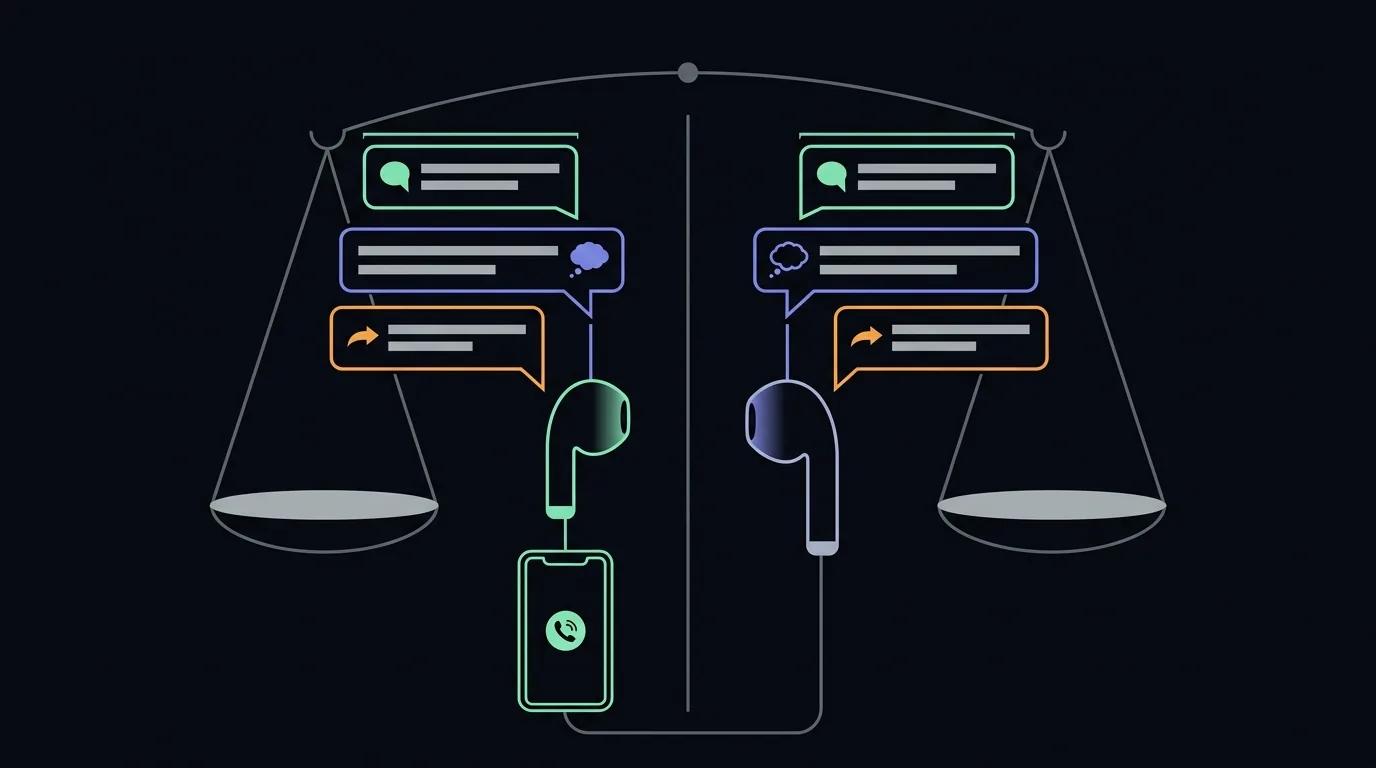
If you already own AirPods Pro 2 or newer, AirPods 5, AirPods 4 with Active Noise Cancellation, or AirPods Max 2, and an iPhone 15 Pro or newer, turn on Apple's Live Translation tonight and use it before you spend money on anything else. It is free, it is built into hardware you own, and for a two person conversation where you are the only one who needs to understand, it is genuinely good. The catch is that it is one ecosystem, one direction of comfort, and one set of languages. The other person only gets the smooth version if they also own supported AirPods and a supported iPhone. It does not run on Android. It does not run on your laptop. If any of those describe your situation, Apple's feature is not a substitute, and that is the only honest reason to buy something else.
I sell a translation earbud kit, so opening a post by telling you to try the free option first costs me sales. I do it because most of what is written about this question is written by people who cannot afford to say it. An earbud brand comparing itself to AirPods will find reasons AirPods fall short. An interpreting company reviewing the feature will find reasons software falls short of a human. Both are true and both are motivated. What follows is what Apple's own documentation says, what actually changes when you hand somebody a second earbud, and a plain list of the people who should close this tab and go use what they own.
What does Apple's Live Translation actually do?
The clearest way to describe it: your iPhone does the translating, and your AirPods are the microphone and the speaker.
That is not a slight on Apple. It is how every product in this category works, ours included, and it is worth understanding the mechanism once because it explains almost every difference between options. No earbud contains a translation model. The bud captures voice, the phone or the cloud turns that voice into text, translates the text, speaks it back, and the bud plays it. Apple's version is unusually tidy because the phone doing the work is the same phone the buds are already paired to.
In use, somebody near you speaks a language you do not read as your own, and you hear their words in your language while a transcript runs on your iPhone screen. Apple's own AirPods guide covers translating in-person conversations and describes the two shapes it can take. When both people are wearing supported AirPods, each person hears the conversation translated into the language they chose. When the other person has no AirPods, you answer through the Translate app on your iPhone, showing them a transcript or playing the translation out of the phone speaker.
Hold on to that second sentence. It is the whole post.
Which AirPods support Live Translation?
Five models, and only five. Apple's Live Translation support page, last updated on September 14, 2026, lists AirPods 4 with Active Noise Cancellation, AirPods 5 (both models), AirPods Pro 2, AirPods Pro 3, and AirPods Max 2. Every one of them also needs the latest AirPods firmware. Anything not on that list does not get the feature, however recent it looks.
| AirPods model | Live Translation? | What to do instead |
|---|---|---|
| AirPods 5 (both models) | Yes | Update the firmware, then set it up |
| AirPods Pro 3 | Yes | Update the firmware, then set it up |
| AirPods Pro 2 | Yes | Update the firmware, then set it up |
| AirPods 4 with Active Noise Cancellation | Yes | Update the firmware, then set it up |
| AirPods Max 2 | Yes | Start it from the listening mode button instead of the stems |
| AirPods 4 without Active Noise Cancellation | No | Not on Apple's list. Use the Translate app on the phone itself |
| AirPods 2nd or 3rd generation, first generation AirPods Pro | No | Not on Apple's list. Use a phone app through the earbuds as ordinary audio |
| Original AirPods Max | No | Only AirPods Max 2 is listed |
| Wired EarPods, Beats and other brands | No | Apple's feature is AirPods only. See the app route below |
Do all AirPods have Live Translation? No, and this trips up a lot of people who assume it arrived with a software update. The software does arrive with iOS 26 and a firmware update, but only for the five models above. The standard AirPods 4 is the easiest one to get wrong, because the noise cancelling version of the same generation is supported and the ordinary one is not.
Do Apple's wired EarPods translate? Not through Live Translation. You can still run Apple's Translate app on the iPhone and have translations spoken out loud or shown on screen, which is how the feature works for anyone without supported AirPods anyway. The same goes for earbuds from any other brand. If you are in that group, our guide to the best translation apps for earbuds and headphones covers which apps work well through ordinary earbuds.
The earbuds are only half the list. Even with a supported model, the phone has to be an iPhone 15 Pro or later on iOS 26 or later, with Apple Intelligence turned on. That is the requirement that stops most people, and the next section covers it.
What do you need for it to work at all?
Apple has moved these requirements more than once since launch, so treat everything in this section as a snapshot rather than a permanent fact, and confirm it on Apple's Live Translation support page before you count on it. As of September 2026, Apple's documentation lists the following.
Earbuds. One of the five supported models in the table above, running the latest AirPods firmware. Ordinary AirPods 4 without ANC are not on that list, and neither are older Pro models.
Phone. An iPhone 15 Pro or later, running iOS 26 or later, with Apple Intelligence turned on. This is the requirement that catches most people. A perfectly good iPhone that is a couple of generations old will not do it, no matter which AirPods you pair to it.
Languages, downloaded in advance. Apple's guide is explicit that you need to download both the language the other person is speaking and the language you want it translated into, and that once the language models are downloaded, all processing takes place on your iPhone. Do that on hotel Wi-Fi, not at the counter. If you want to know what a downloaded model can and cannot do without a connection, we covered what offline translation gives up.
A region where the feature is offered. Apple's documentation notes it is not available in mainland China. European availability was its own story: Apple's newsroom said the feature was delayed in the EU for Digital Markets Act compliance work and expanded there from December 2025.
Language coverage that is deliberately narrow. In that same announcement Apple listed English, French, German, Portuguese, Spanish, Italian, Chinese in Simplified and Traditional Mandarin, Japanese, and Korean. That is a short list next to the numbers printed on translation gadget boxes, and it is short on purpose: these are languages Apple is willing to run on device and stand behind. Apple still warns in its own documentation that translations may be inaccurate or unexpected, which is the correct thing for any vendor in this category to say, including me.
Starting it is easy. Apple supports pressing and holding both AirPods stems at once (the listening mode button on AirPods Max 2), asking Siri to start Live Translation, starting it from the Live tab in the Translate app, or mapping it to the iPhone Action button.
Two newer details from Apple's September update are worth knowing. First, Live Translation now works on calls: Apple says you can use it during a call in the Phone app or on FaceTime while wearing your AirPods. Second, in a noisy place the iPhone's own microphones can add to the AirPods' microphones, and Apple's advice is simply to move the phone closer to the person speaking. That is the same fix that works for translation earbuds in noisy places, where the microphone, not the translation, is usually what breaks.
Where does one-device translation get awkward?
Set it up and the first ninety seconds feel excellent. Then you try to reply.
Here is the same conversation, a market stall in Lisbon, run two ways. Left column is Apple's feature with one person equipped. Right column is any two earbud setup where you have handed the second bud to the other person.
| Step in the conversation | Apple Live Translation, you alone equipped | One earbud each |
|---|---|---|
| They greet you | You hear it in English, in your ear. Clean. | You hear it in English, in your ear. Clean. |
| You answer | You raise your iPhone, speak into the Translate app, then show them the screen or play it out of the phone speaker | You just talk. It arrives in their ear. |
| They reply while you are still looking down | Your ear catches it, your eyes are on the phone | Nothing changes. You are still looking at each other. |
| Somebody nearby interrupts | Both of you are looking at a screen, so you lose the thread | Both of you are still facing each other, so you do not |
| Third person joins | The phone becomes the meeting point | The phone stays in your pocket, but you now have one spare bud for two people |
| Conversation ends | You put the phone away | You retrieve your earbud, which is its own small moment |
Neither column is a defeat. The left column is what free and already in your pocket buys you, and it is a genuinely good trade for a five turn exchange. The right column costs money and a social ask.
The asymmetry is the thing to understand: Apple's design is excellent at getting the world into your ear, and noticeably clunkier at getting you back out into the world. If your real need is comprehension, a lecture, a tour, a colleague explaining something, a relative talking at dinner, that asymmetry never bites you and you should buy nothing.
Also worth knowing before you plan around it: giving the other person one of your own AirPods does not produce the two way experience. Apple's smooth bidirectional mode requires the other person to have their own supported AirPods, their own supported iPhone, and their own Live Translation session running. Two people, two full ecosystems. We walked through how each shape of two-way translation actually delivers audio to both sides, if you want the mechanics.
What does giving the other person an earbud change?
It changes who has to hold the device, which sounds trivial and is not.
The phone leaves the space between two faces. People behave differently when a handset is pointed at them. They shorten what they say, or they perform for it, or they stop making eye contact. Put the audio in both ears and you get a conversation back.
Your hands come back. Carrying luggage, holding a child, cooking, working, walking. Any of those and the raise the phone to reply step is not mildly annoying, it is the end of the conversation.
It works across whatever the other person owns, because they own nothing. The second bud is your bud. Their phone, their operating system, their budget and their age are irrelevant. That is the single largest practical difference from Apple's approach, and it matters most in exactly the settings where translation is most needed: a contractor, a grandparent, a driver, a supplier, a patient.
And it introduces a real social cost. You have to ask a person to put your earbud in their ear. With a colleague, a host, a guide, a family member, that is fine and takes four seconds. With a stranger behind a counter it is often a non starter, and anyone telling you otherwise has not tried it in a hurry. For those moments a phone speaker is not the inferior option, it is the right one.
Who should not buy anything else?
Sorted by the situation you are actually in, not by spec sheet.
| Your situation | What to do |
|---|---|
| iPhone 15 Pro or newer, a supported AirPods model, and you mainly need to understand others | Use Apple's Live Translation. Buy nothing. |
| Same hardware, but you also need to be understood, in short exchanges | Use Apple's feature plus the iPhone Translate app speaker. Still buy nothing. |
| iPhone, but older than 15 Pro | Apple's feature will not run. Use a free phone app, or an earbud kit that carries its own software. |
| AirPods that are not on Apple's list | Apple's feature will not run on them. They still work as ordinary audio for any translation app. |
| Android phone of any kind | Apple's feature is not available to you at all. |
| You need it on an iPhone phone call or FaceTime | Apple now covers this with supported AirPods. Buy nothing. |
| You need it on a laptop, for Zoom, Teams or a browser | No earbud ecosystem covers this. You need software that runs on the computer, and we covered how to translate a Zoom or Teams call live. |
| Both people need to talk comfortably, and the other person is not in Apple's ecosystem | This is the case for a second earbud. |
| Your languages are not on Apple's list | Check coverage before buying anything, on either side. |
| Occasional travel, menus and signs, few real conversations | A free phone app with the camera is more useful than any earbud. |
That last row is not a throwaway. Camera translation solves a larger share of the travel problem than audio does, and I made the full argument for the phone in your pocket rather than bury it.
What still needs a separate tool?
Four gaps, and they are the honest reason this site exists.
Android. Apple's feature is exactly as available on Android as it sounds. Pixel Buds have their own path, which we covered in Android Live Translate and Pixel Buds.
The laptop. Live conversation translation on a computer is a real need, for support calls, sales calls, remote family, and Apple's earbud feature does not address it. Its new call support covers the Phone app and FaceTime on the iPhone, not a meeting on your laptop. Our AI Translation Live runs in a browser, which is the shape that problem actually has.
The second person. When the other party is not carrying supported Apple hardware, someone has to bring the second ear. That is a physical object, not a software feature.
Language reach beyond a curated list. A shorter, on device list is a defensible engineering choice. It is still a shorter list, and if the language you need is not on it, no amount of ecosystem tidiness helps.
If none of those four apply to you, you are done. Go turn on the feature you already paid for.
If one or more do apply, the two things worth trying next are free. Run the browser demo on the AI Earbuds home page, speak one sentence, and hear it come back translated with no ecosystem requirement and nothing installed. Then, if you want the physical second ear, the kit is $69 and AI Translation Live is $39 a year on top, priced separately precisely because the software is the part doing the work. If you would rather see how that stacks against the premium hardware brands, the comparison is here, with our kit in the tier it actually belongs to.
One more thing worth knowing about all of this, ours included. Streaming speech translation is a latency problem before it is an accuracy problem, and Google Research's write up on real-time speech-to-speech translation describes a standard two second lookahead, with longer lookahead improving translation quality while making the conversation feel worse. Every product in this category is choosing a point on that curve. None of them can escape it, and any vendor quoting you a half second number is measuring something narrower than the delay you will actually feel.
FAQ
Can AirPods translate conversations in real time? The AirPods do not translate. Your iPhone does, and the AirPods carry the audio in and out. As of September 2026 the feature plays a live translation into your ear while a transcript runs on the phone, it works in the languages you have downloaded in advance, and it now also works on Phone app and FaceTime calls.
Which AirPods have Live Translation? AirPods 4 with Active Noise Cancellation, AirPods 5 (both models), AirPods Pro 2, AirPods Pro 3, and AirPods Max 2, each on the latest firmware, per Apple's support page updated September 14, 2026. No other AirPods model is on the list, including the standard AirPods 4, older AirPods, the first generation AirPods Pro and the original AirPods Max.
Do I need AirPods Pro for Live Translation? Not specifically Pro, but not just any AirPods either. Apple's current documentation lists AirPods 4 with Active Noise Cancellation, AirPods 5, AirPods Pro 2, AirPods Pro 3, and AirPods Max 2. The stricter requirement is usually the phone: an iPhone 15 Pro or later on iOS 26 or later with Apple Intelligence enabled. Check Apple's support page for the live list, because it has changed more than once.
Does AirPods translation work offline? Apple's guide requires you to download the languages first and describes processing happening on your device, which is why downloading is a prerequisite rather than a convenience. Download before you travel and do not assume anything about a language you have not downloaded.
Can AirPods translate a phone call? Yes, on an iPhone. Apple's support page says you can use Live Translation during a call in the Phone app or on FaceTime while wearing supported AirPods. It does not cover calls on a laptop, such as Zoom or Teams, which need software running on the computer.
Are dedicated translation earbuds better than AirPods? Not better. Different in three specific ways: they work regardless of which phone either person carries, they give you a physical second earbud for the other person, and their software is usually chosen separately from the hardware. If you own the Apple hardware and mainly need to understand rather than be understood, Apple's feature is the better answer and it is free.