Offline Translation: What You Give Up
By Mark Fulton ·
Last verified:
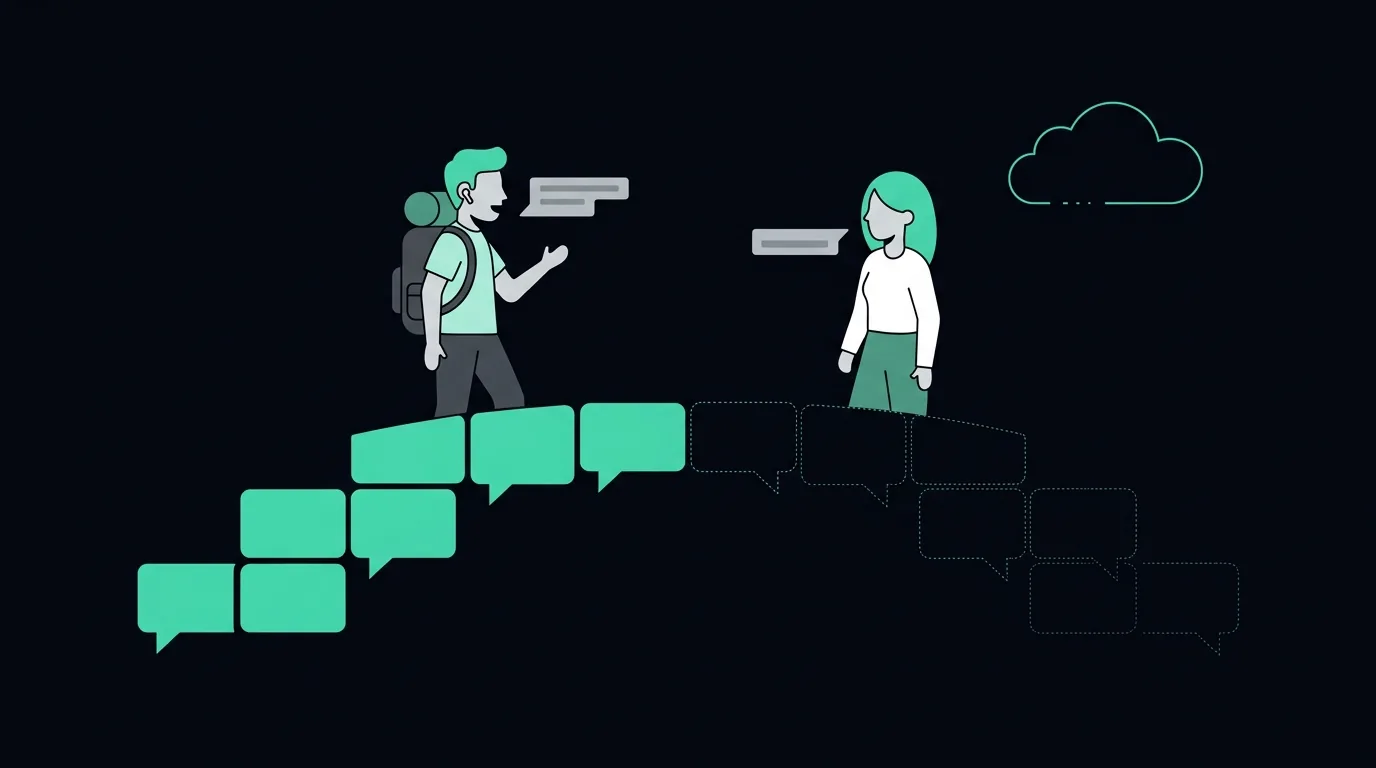
Offline translation is a smaller model doing the same job. A language pack has to fit on a phone and run on a phone, so it is compressed, trained down from a larger system, and given a narrower view of each sentence than the cloud version has. What you keep is availability: it works in a tunnel, on a plane, in a village with no signal, and without a roaming bill. What you give up is vocabulary breadth, proper nouns, idioms, long or messy sentences, and most of the language list. For short practical exchanges in a widely spoken language, an offline pack is genuinely fine. For anything with names, numbers, jargon, or consequences, it is a fallback, not a plan.
I sell translation earbuds and a browser translation app that needs a connection, so read this knowing where I stand. That is exactly why I want the trade stated plainly instead of printed on a box as a feature bullet.
What is actually inside an offline language pack?
Three things, and it helps to keep them separate, because a device can have one and not the others.
A translation model. This is the part that turns a sentence in one language into a sentence in another. On a phone it is a compressed version of a much larger system. Google moved its offline packs from the old phrase-based approach to on-device neural translation in 2018, and said at the time that each language set is 35 to 45 MB, rolling out across 59 languages. That size is the whole story in one number. Cloud translation models are not measured in tens of megabytes.
A speech recognition model. Turning sound into text is a separate job with separate weights. An offline pack that handles typed text does not automatically handle speech, which is why apps show different language lists for typing, camera and conversation.
A speech synthesis voice. Speaking the result back out loud needs another downloaded component again.
Apple is the clearest about what downloading buys you. Its iPhone guide says you can download languages to translate entirely on your iPhone, even without an internet connection, and the Translate settings expose an On-Device Translation control with an Automatic option, where translations run locally when the languages are downloaded and go to Apple's servers otherwise. That fallback behaviour is the tell. The on-device path is the backup, not the default.
None of this lives on the earbuds themselves. The buds are a microphone and a speaker. Everything above runs on the phone they are paired to, which is the same architecture as the online case, just with a shorter trip. If that surprises you, start with how translation earbuds actually work.
Why is an offline model weaker than the online one?
Because making a model small is not free, and the research community treats the size-versus-quality relationship as a dial rather than a solved problem.
The standard way to get a small translation model is distillation: train a compact student to imitate a large teacher. Kim and Rush's sequence-level knowledge distillation work is the reference point, and their own numbers show both sides of the trade. The best student ran ten times faster than the teacher with little loss in performance, and adding weight pruning produced a model with thirteen times fewer parameters at a cost of 0.4 BLEU. Small and fast is achievable. Free is not, and that paper is measuring a controlled research setup, not a phone in your pocket translating a market vendor.
The people who compete on this professionally say the same thing out loud. The WMT shared task on efficient translation exists specifically because systems can be made faster and smaller with minimal impact on quality, and its own framing is that how much quality to sacrifice for efficiency depends on the application, so entrants were asked to submit multiple systems covering the range of trade-offs. There is no single correct point on that curve. Vendors pick one for you and rarely tell you which.
In practice the compression shows up in a predictable order:
Rare words go first. A smaller model has a smaller effective vocabulary. Common phrasing survives, specialist nouns do not.
Proper nouns degrade. Place names, brand names, dish names and personal names are exactly the low-frequency tokens that get squeezed out. This is the failure people notice most while travelling, because street and station names are the whole point of asking.
Context gets shorter. Larger models carry more of the surrounding sentence while translating. Compressed ones lean harder on local word order, so long sentences, clauses stacked on clauses, and anything that depends on a word five clauses back drift.
Idioms turn literal. An idiom is a phrase whose meaning is not its parts. Recognising it takes capacity the pack does not have, so it renders word by word and comes out as nonsense.
Speech recognition suffers more than translation does. Cloud speech systems are trained and served at a scale that on-device models cannot match, and accents, fast speakers, overlapping voices and background noise are where that gap is widest. The translation can only be as good as the transcript it is handed. If the pack mishears the sentence, a perfect translation of the wrong words still leaves you stuck. More on why rooms break this in translation in noisy places.
Online versus offline, dimension by dimension
This is the table I wish the listings printed.
| What you are counting on | Online | Offline pack | What flips the recommendation |
|---|---|---|---|
| Everyday vocabulary | Strong | Usually fine for common phrasing | Nothing. Short practical sentences are the offline sweet spot |
| Specialist or rare vocabulary | Strong | Noticeably thinner | Any medical, legal, technical or trade conversation. Go online or get a human |
| Proper nouns (places, brands, dishes, names) | Better, though still imperfect | Weakest area, frequently mangled | If you will be reading names back to a driver or a clerk, connectivity is worth paying for |
| Idioms and figurative speech | Handled inconsistently | Usually translated literally | Social conversation with jokes and teasing. Neither mode is good. Offline is worse |
| Long or run-on sentences | Holds together further | Drifts sooner | Speaking in short sentences narrows the gap more than any setting does |
| Accented or noisy speech | Better recognition | Struggles first at the microphone | A loud market or a strong regional accent. Test before you rely on it |
| Latency | Round trip to a server, plus signal quality | No network hop, often feels quicker | On a bad connection, offline can be the faster of the two |
| Language availability | The full published list | A subset, and only what appears in the download list | Your language pair not being downloadable settles the question for you |
| Behaviour with no signal | Nothing works | Works identically everywhere | Off-grid travel. This is the entire case for offline, and it is a good one |
| Privacy | Audio leaves the device | Stays on the device | A conversation you would not put on someone's server. See translation and privacy |
| Battery | Radio cost | Processor cost | Not the clean win it is marketed as. See below |
Read the last column, not the middle two. The dimensions are not weighted equally for every trip, and one row can decide the whole question.
Where is offline clearly the right choice?
Four situations, and they are real ones.
No signal at all. Hiking, rural buses, ferries, national parks, long-distance trains through tunnels, and the aircraft itself. A pack that works badly beats a cloud service that does not respond.
No affordable data. Roaming charges in some countries make casual live translation an expensive habit. Downloading before you fly costs nothing after the download.
A locked-down or shared device. Some workplaces and some family phones cannot install or reach what a live service needs. On-device is the only path that clears the policy.
Conversations you do not want leaving the room. On-device processing keeps the audio local by design, which is a genuine difference and not a marketing line.
Three of those four are availability arguments, not quality arguments. That is the honest framing. Nobody downloads a pack because it translates better.
What does offline actually do to battery and storage?
Storage is answerable. Google's published figure of 35 to 45 MB per language set is the only vendor number I can point to and verify, and it is a text-translation pack. Add offline speech recognition and a synthesised voice and the real footprint for full spoken translation in a pair of languages is larger. Google's help pages also note that packs come in tiers, with an Upgrade option next to a downloaded language for a higher-quality language pack. The better pack is bigger. That is the same trade again, exposed as a button.
Battery is where I have to be careful, because the claim "offline saves battery" is repeated constantly and I have not seen a controlled measurement from anyone that supports it. What actually happens is that the cost moves. Online translation spends energy on the radio, and spends more of it when the signal is weak, because a phone hunting for a tower is expensive. Offline translation spends energy on the processor running the model locally, repeatedly, for the length of the conversation. Which one drains faster depends on the phone, the chip, the signal and how much you talk. Treat any battery claim on a product page as unmeasured unless the seller publishes the method. That includes mine, which is why our own page does not make one.
Which languages have decent offline support?
The ones with the most training data and the most commercial demand, which is the same short list every time: Spanish, French, German, Italian, Portuguese, Russian, Japanese, Korean, Chinese and a handful of others. If you are travelling to Western Europe or Northeast Asia, offline coverage is broadly available.
Outside that list, coverage thins quickly, and the pattern matters more than any number. This is the same arithmetic behind inflated language counts on product listings, which I pulled apart in what "144 languages" really means. A vendor's headline figure counts online text pairs. The offline figure is a different, smaller set, and speech offline is smaller again.
There is exactly one reliable way to check, and it takes a minute: open the app you plan to use, look for your language in its download list, and try to download it. Google's own instructions end with the plainest possible statement of this. If the language is not in the list, it cannot be downloaded. No review, no spec sheet and no blog post, including this one, is a substitute for that check on your own device. Regional coverage varies more than people expect, and I went through it for one region in translation earbuds in Thailand and Southeast Asia.
How do you plan a trip around patchy signal?
Assume both modes will be needed and prepare both.
Download before you leave, on home Wi-Fi. Packs are small but airport Wi-Fi is not the place to discover a 200 MB download.
Test the pack in airplane mode at home. Turn the radios off, say three real sentences you expect to need, and see what comes back. Five minutes of this reveals more than any review.
Write down the ten things you will actually say. Directions, dietary restrictions, a hotel name, an allergy, a price question. Check each one offline specifically, because those are the sentences full of proper nouns.
Keep a connectivity option anyway. An eSIM or a local SIM makes the better model available where it matters, and offline remains the backstop. The full pre-departure version of this is in do translation earbuds need Wi-Fi or data.
Speak in short, complete sentences in both modes. This costs nothing and closes more of the offline gap than any purchase.
To be clear about my own side of it: AI Translation Live runs in a browser and needs a connection, so it is not the tool for a genuinely off-grid trip. If that is your trip, download packs and plan connectivity first. If you will have signal for most of it, you can hear the online version work on the home page before you spend anything, which is more than a spec sheet will give you.
Frequently asked questions
Is offline translation as good as online?
No, and the gap is structural rather than a bug waiting to be fixed. Offline packs are compressed models that have to fit and run on a phone, so they lose rare vocabulary, proper nouns, idioms and long-sentence handling before they lose anything else. For short, common, practical sentences the difference is often small enough not to matter. For names, numbers, jargon or anything with consequences, it is large enough to matter a lot.
How much storage do language packs need?
Google publishes 35 to 45 MB per language set for its text translation packs, and offers a larger higher-quality pack as an optional upgrade. Add offline speech recognition and a downloaded voice and full spoken translation for a language pair runs meaningfully larger. Budget a few hundred megabytes if you are downloading several pairs with speech, and download over Wi-Fi.
Which apps translate offline for free?
Google Translate and Apple's built-in Translate app both support downloaded languages at no cost, on Android and iPhone respectively. Both make you download each language deliberately before you travel, and both restrict offline use to the languages that appear in their own download lists. A paid app or a dedicated device does not automatically do better offline, because it faces the same size constraint on the same phone hardware.
Do offline packs cover speech or just text?
It depends on the app and the language, and you have to check per language rather than per app. Text translation, camera translation and spoken conversation use different models with different supported-language lists, so a language that downloads for typing may not be available for speech. Apple's settings bundle downloads for on-device translation, Live Translation and offline use in one place, while Google maintains separate supported-language lists for features such as instant camera translation. Open the app, pick your pair, and confirm which features stay available with the radios switched off.