Translation Earbuds for Teachers: Newcomer Students
By Mark Fulton ·
Last verified:
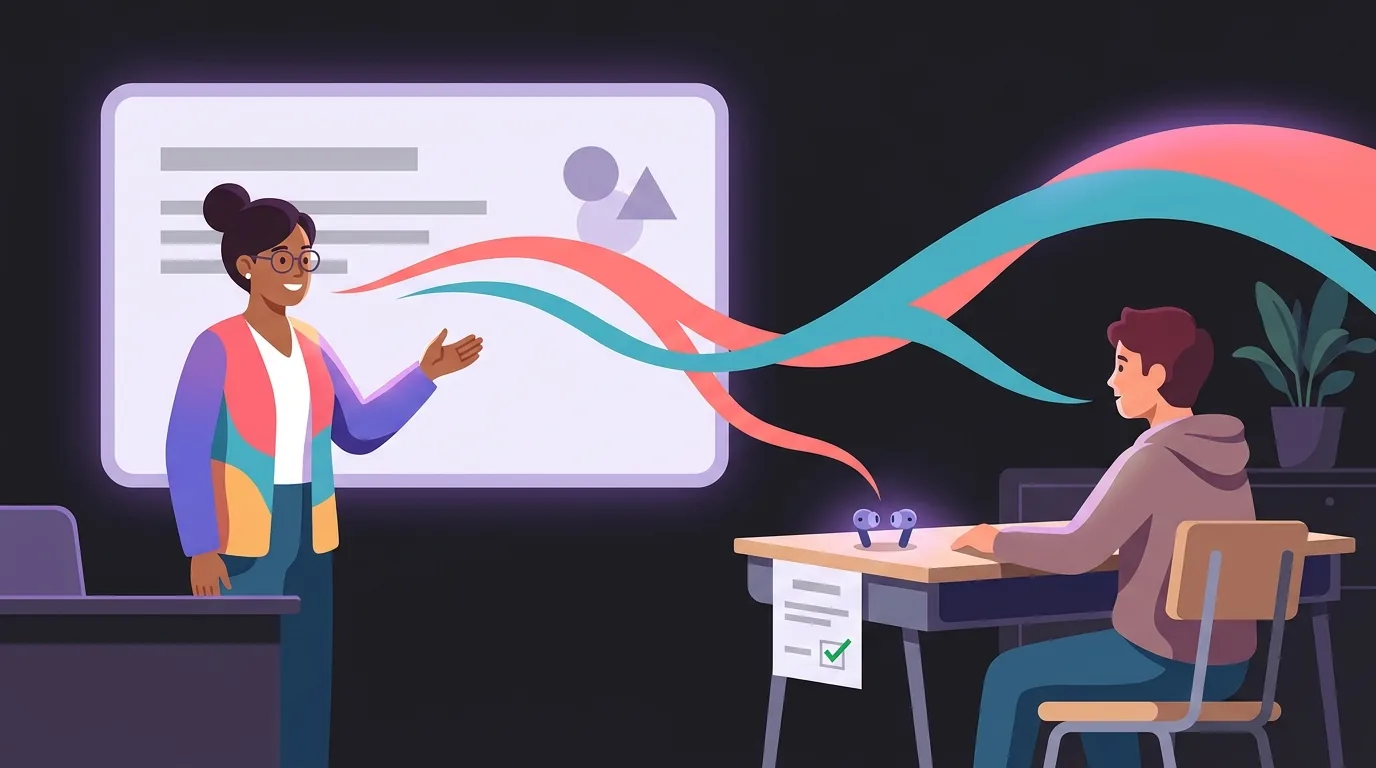
Translation earbuds can help a newcomer student follow a lesson, and they should not be used to run a parent-teacher conference. In a content lesson, a student who understands little English can hear the teacher's explanation in their home language and read it on a screen, which is a real gain over sitting through the period lost. For anything where a family is being informed of rights, discussing a child's progress, or consenting to something, a school should provide a qualified interpreter, and a machine in an earbud does not meet that duty. Before any of it starts, the school needs to know where a student's voice and the teacher's words go, who keeps a copy, and whether the family has agreed. A one-classroom pilot answers those questions cheaply.
I sell translation earbuds and a browser translation app, so read the rest knowing that. This page is about a school's decision, and some of the answers below are "do not use our product for that." The checklist near the end works for any vendor, including us.
Where do translation earbuds help in a classroom?
They help most where one person talks for a long time and the listener only needs to follow along. A teacher explaining a science procedure, reading a passage aloud, or walking through a worked maths problem is exactly that shape. The student does not need to answer in real time. They need to understand.
They help less in the reverse direction. A newcomer student speaking back through a device, in front of classmates, with the translation arriving a few seconds late, is a harder situation for everyone. Treat the listening direction as the main use and the speaking direction as an occasional extra.
It also helps to know what the earbuds are. They are a microphone and a speaker. The translating is software running somewhere else, which is why the questions about connectivity and student data below matter more than the hardware. We explain the mechanics in how translation earbuds actually work.
A few jobs that suit the tool:
- Directions and routines. Lining up, moving between rooms, what to bring tomorrow.
- Teacher talk in content lessons. Science, social studies and maths explanations where the vocabulary is new in any language.
- Small-group instructions. A teacher kneeling beside one student for a minute.
- Safety basics on day one. Fire drill routes, then confirmed in person by a person.
What do they do for newcomer students in content lessons?
The clearest account we found comes from a pilot at Western Michigan University. A faculty-led project placed translation earbuds in five schools in Michigan, and the university's write-up of the AI earbuds pilot describes seven sets of earbuds used across classrooms from fifth grade through high school. Teachers did not need to wear a transmitter. The students' earbuds picked up the teacher's voice, played the translation, and showed a transcript on a paired screen.
What stands out in that report is that the people running it were candid about the limits. Student-teachers described students who had been withdrawn beginning to join in. One called the earbuds "one more support in the toolbox," not a silver bullet. The same report names the problems: school firewalls blocked the devices, so teachers fell back on personal hotspots; some students felt self-conscious about standing out; and teachers needed training to use the tools well. The researcher's findings also say the earbuds worked best during extended teacher talk and were less useful without targeted language support alongside them.
That matches what a district account from Pine Bush, New York, says in its account of translation earbuds in ENL teaching. Content-area teachers there used them to get material across to students who were new to the country. It is a short account from one district in 2022, and it describes what happened rather than testing it, so take it as a reason to try, not as proof.
Three practical points for a content lesson:
- Keep your own language simple and slow. A translator does better with clean sentences. Short sentences help your English learners hearing both versions, too.
- Put key terms on the board. Names, numbers and subject vocabulary are where machine translation slips. Seeing the written word lets the student check what they heard.
- Keep teaching the English. A student who hears everything in their home language is not hearing English. The Western Michigan pilot pairs the tool with ESL strategies, and that pairing is the point. The earbuds are a support, not a substitute for language instruction.
If a student wears one earbud, they can hear the teacher's English in one ear and the translation in the other. Whether that suits a given student is a call for the teacher who knows them.
Can they carry a parent-teacher conference?
No, and this is the line we would draw hardest.
A conference is not a lesson. The teacher is reporting on a child, the parent is asking questions that matter to their family, and both are talking in turns in a way a translator handles badly when the stakes are high. Machine translation fails smoothly. It produces a clean sentence containing the wrong number or a dropped "not", and nobody in the room hears a warning. We cover that failure pattern in translation earbuds for business meetings, and a meeting about a child's reading level or a behaviour concern is higher stakes than most of the examples there.
There is also the matter of dignity and trust. A parent who is handed an earbud while a teacher speaks into a device is not being given the same access as a parent who hears a trained person speak to them directly.
Use a qualified interpreter for:
- Report-card and progress conversations
- Special education meetings, evaluations and consent
- Discipline, attendance and safety conversations
- Anything involving a form a parent has to sign
The earbud does have a place in the front office and hallway: "the bus is late", "where is room 214", "your child's lunch account is low." Low-stakes, easily corrected, and nobody is relying on the exact wording.
What student-data questions should a school ask?
A student's voice is personal information, and so is what the teacher says to them. Start with a plain map of where it goes, which we lay out for consumers in translation earbuds and privacy. For a school, ask the vendor these in writing:
- Does the audio leave the device, and where does it go? Almost all of these tools send audio to a cloud service.
- Who receives it, and is that company named in the contract? A vendor often relies on a separate translation provider.
- Is any audio or transcript stored, and for how long? "We don't sell it" is not an answer to a retention question.
- Can the vendor sign your district's data-privacy agreement? Many districts require one before any student-facing tool is used.
- Who can delete a student's data on request, and how fast?
For context, the federal student-privacy law is FERPA, and its regulations are published by the Department of Education. The definitions section of the FERPA regulations lists "voiceprints" as an example of a biometric record, which is a reason to ask a vendor whether it builds any voice profile at all. Whether a particular tool's data counts as an education record depends on how the school uses it and what the vendor holds, and that is a question for your district's privacy officer, not for a blog post. If your state has its own student-privacy statute, it may be stricter than the federal baseline.
A note on our own product: AI Translation Live streams audio from the browser to the translation provider, and our privacy page says our servers do not record it or keep transcripts. We sell to consumers, and nothing on this page claims the product has been vetted for school use. If your district requires a signed data agreement, ask for it in writing before any student touches the tool, and treat silence as a no.
When must a school provide a qualified interpreter?
The short answer is that schools have a legal duty to help students and families overcome language barriers, and a translation gadget does not by itself satisfy it.
The Equal Educational Opportunities Act prohibits "failure by an educational agency to take appropriate action to overcome language barriers that impede equal participation by its students in its instructional programs," as it reads in 20 U.S.C. 1703. The Supreme Court's decision in Lau v. Nichols in 1974 held that giving students the same desks and textbooks does not give them equal education if they cannot understand the language of instruction.
Those two sources concern students' access to instruction. What a district owes parents who have limited English, including when it must use a qualified interpreter or translator, comes from federal civil rights guidance and state rules. We could not open the Department of Education's own guidance pages on the day we wrote this, so we are not quoting them. Guidance in this area has been revised over the years, so confirm the current version, along with your state's rules, before relying on anyone's summary, ours included. The Office for Civil Rights page for your region and your district's language-access coordinator are better sources than any vendor, including us.
What we can say for sure: if a school's plan is "the teacher wears an earbud and talks to the parent," that is a plan to ask a lawyer about, not a plan to copy.
How do you pilot this in one classroom?
Here is a rollout checklist. It is a pilot for one room, one teacher and a handful of students, with a clear stop.
| Step | What to do | Done when |
|---|---|---|
| 1. Get approval first | Raise it with your principal, your ENL or ESL lead and IT before buying or installing anything. | Written yes from the principal and the person who owns student technology. |
| 2. Ask the data questions | Send the five questions above to the vendor and keep the answers. | Written answers on file, and your district privacy contact has read them. |
| 3. Get family consent | Tell the family, in their language through a qualified interpreter, what the tool is, where the audio goes, and that they can say no. | A signed or recorded yes per student, with a no honoured without penalty. |
| 4. Test the network | Try it in the actual room on the actual school network, with the firewall as it is. | It works for a full period without a personal hotspot, or you have IT's approval for another route. |
| 5. Run two weeks | Use it only for teacher talk in content lessons and routine directions. Keep teaching English alongside it. Check in with the student about whether it helps or makes them feel singled out. | Notes from the teacher and the student, including what went wrong. |
| 6. Decide and keep the line | Keep, change or stop. Whatever you decide, conferences, evaluations, consent and discipline conversations stay with a qualified interpreter. | A one-page decision your ENL lead signs. |
Step 4 is where plans stall. The Western Michigan report names blocked school networks as a major issue, and it is easy to find out in an afternoon rather than discover in week three.
A browser tool has one advantage here: nothing is installed on the device, so IT has less to approve. That is not the same as being approved, and the data questions apply to it just as much. If you want to hear what the software sounds like before you raise it with anyone, the live demo on our home page runs in a browser with no purchase and no download.
Frequently asked questions
Can teachers use translation earbuds with ELL students?
Yes, in the right setting. They suit extended teacher talk in content lessons, directions and routines, where the student needs to follow along and an error is cheap to correct. They work best alongside normal English-language instruction and a teacher who watches how the student is responding. They are a poor fit for assessment, for a student's own spoken English practice, and for anything where the exact wording matters. Our post on translation earbuds for language learning covers why leaning on a translator can slow a learner down.
Are translation earbuds allowed in schools?
That is set by your district, not by the device. Many districts require approval of any student-facing technology, a review of the vendor's data practices, and sometimes a signed data-privacy agreement. Some also have rules on personal devices and recording. Ask your principal and your technology office before you bring one in. A teacher who uses an earbud with a student without that approval is taking on a risk that belongs to the school.
Do translation earbuds meet student privacy rules?
No device meets or fails them in the abstract. What matters is where the audio goes, who holds it and for how long, and what the vendor has agreed to in writing. Student-privacy rules apply to how the school and its vendors handle student information. The five questions in this post are the starting point, and your district's privacy officer makes the call.
Should parent meetings use an interpreter instead?
Yes. Use a qualified interpreter for conferences, evaluations, consent and discipline conversations, and treat the earbud as a tool for the lesson and the hallway. A school's duty to communicate with families in a language they understand is not something a consumer device can discharge on its own. The same logic applies to other high-stakes settings we cover, such as translation for medical and caregiving.
Try it before you raise it with IT
The earbud kit is $69, and the part that decides whether a lesson works is the translation software. AI Translation Live is a $39 per year add-on that includes 5 hours of translation and runs in a browser tab, so it needs nothing installed on a school laptop.
That is a statement about convenience, not about approval. Hear it first on the demo on our home page, then take your five data questions and your six-step pilot to the people who decide. If you are weighing a classroom tool against a workplace one, our look at translation for multilingual workplaces covers where shared rooms and several languages get harder.