Translation Earbuds for Meetings: Where the Limits Are
By Mark Fulton · August 24, 2026
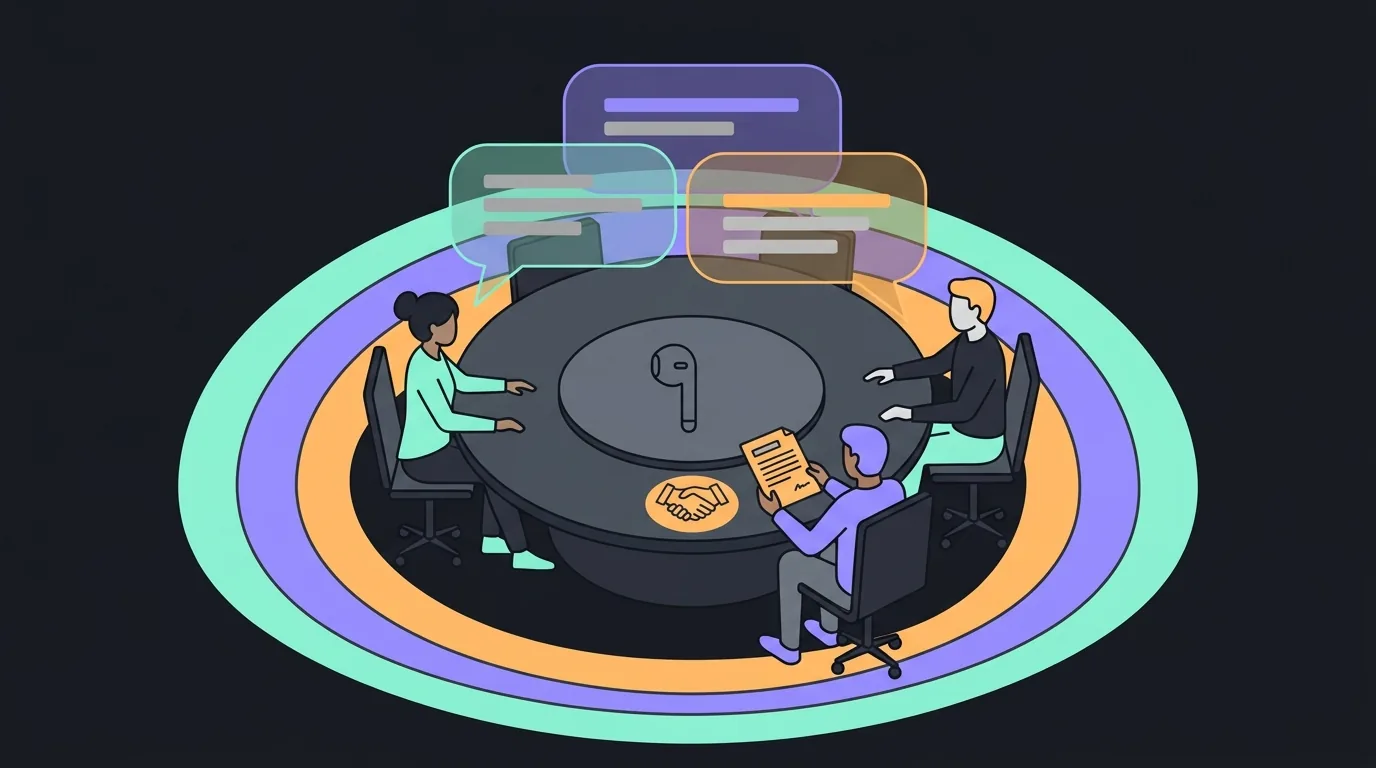
Translation earbuds work well in business meetings where the cost of a misunderstanding is a follow-up email, and badly in meetings where the cost is a contract. Use them for rapport, status updates, demos and early-stage discovery, where two people speak in turns and either side can say "sorry, again?" without embarrassment. Use them with a written recap for commercial discussion, where numbers and dates matter and the machine can drop a decimal without flagging it. Do not use them alone for anything binding: pricing you will be held to, scope, legal terms, safety instructions, HR matters or regulated advice. That third tier needs a qualified human interpreter and a written record, and no earbud on the market changes that.
That is the whole answer. The rest of this page is the detail behind it: which meetings fall into which tier, what actually breaks when a machine is interpreting, and the two-minute setup that removes most of the avoidable failures.
Which meetings can live translation genuinely carry?
The useful split is not by industry or by seniority. It is by how expensive it is to be wrong, and by how many people are talking.
Machine speech translation is a pipeline: capture the audio, recognise the words, translate them, speak the result. Each stage introduces its own error, and the errors compound. We wrote the full mechanical explainer in how translation earbuds actually work, and the short version is that the earbuds are microphones and speakers. The translation is software, running somewhere else. That distinction matters here, because every limit below is a software limit, not a plastic one.
Simultaneous speech translation is still an open research problem, not a solved one. The academic community that works on it runs an annual shared task on exactly this, and the IWSLT 2023 evaluation campaign findings list simultaneous translation, speech-to-speech translation and dialect handling as nine separate unsolved challenges being competed on by 31 teams. When a vendor tells you a meeting is handled, they are describing a product, not the state of the field.
Here is the matrix. Find your row before your call, not after it.
| Meeting type | Speakers | Stakes | Right tool | Follow-up that makes it safe |
|---|---|---|---|---|
| Intro call, rapport, relationship building | 2 | Low | Earbuds, live | None needed |
| Daily standup, status update | 2 to 3, taking turns | Low | Earbuds, live | Post the written summary in the shared channel |
| Product demo or walkthrough you are leading | 2 to 4, one speaker at a time | Low | Earbuds plus a shared screen with text | Send the deck or doc afterwards |
| Discovery, requirements gathering | 2 to 3 | Medium | Earbuds, live | Written recap listing each requirement, sent for confirmation |
| Supplier or vendor negotiation | 2 to 3 | Medium to high | Earbuds for flow, plus a numbers sheet on screen | Written quote restating every figure, currency and date |
| Interview or hiring conversation | 2 | Medium | Earbuds, live | Written questions sent in advance and answers confirmed in writing |
| Pricing, scope or terms discussion | 2 or more | High | Human interpreter | Signed written terms, drafted by counsel, not by voice |
| Contract review or signature | Any | High | Human interpreter plus certified translation | Certified document translation on file |
| Safety briefing, medical or regulated advice | Any | High | Qualified professional interpreter | Written instructions in the listener's language |
| Board meeting, disciplinary or HR matter | 3 or more | High | Human interpreter | Formal minutes agreed by both parties |
| Multi-party conference, several languages | 4 or more | Any | Human interpreters or per-person channels | Minutes with named speakers |
The pattern in that table is worth naming: everything the earbuds handle well has an inexpensive correction path. If the machine garbles a status update, someone asks again and the meeting continues. If it garbles a delivery date in a supplier negotiation, nobody notices until the shipment is late.
What happens when three people talk at once?
This is the single biggest gap between how translation earbuds are sold and how meetings actually run.
Every consumer translation earbud assumes turn-taking. One person speaks, the system captures a chunk of audio, decides the utterance has ended, translates it, and plays it back. Real meetings do not do this. People interrupt, agree over the top of each other, laugh, and finish each other's sentences. When two voices overlap, the recogniser has to decide which one is the speaker, and it frequently blends them into one sentence that neither person said.
The vendors are aware of this and their answers are structural rather than magic. Vasco's own product page for the Translator E1 publishes support for up to 10 participants and over 50 languages with no subscription, at a list price around $389 across the retailers carrying it. Timekettle's approach with the W4 Pro, listed at $449 and discounted to $399 in current roundups, is dedicated conversation modes that assign roles. Soundcore's business pitch centres on the Liberty 5 Pro Max at $229.99, which pairs translation with a note-taker in the charging case, plus 120 free transcription minutes a month for 24 months. Those are real engineering answers to a real problem, and they are worth knowing about.
What none of them solves is the physics. Multi-party support means each additional person gets a slot in the round-robin, not that the system can untangle three simultaneous voices. Add a speakerphone at one end and room reverberation makes it worse, because the recogniser is now working from audio that has been through a room twice.
The practical rule: two speakers, live translation is fine. Three speakers who take turns, fine with a chair enforcing turns. Four or more, or any group that talks over itself, and you need either one channel per person or a human in the room.
How do numbers, dates and names go wrong?
Fluent output is the trap. Machine translation fails confidently. It does not stammer or say "I did not catch that." It produces a clean, grammatical sentence containing the wrong number, and everyone in the meeting nods.
The categories that break most often are predictable:
- Numbers and magnitudes. Large numbers are grouped differently across languages. The Indian numbering system uses lakh and crore. Chinese and Japanese group by ten thousand rather than by thousand. A figure spoken naturally in one system can arrive as a plausible number in the wrong order of magnitude.
- Decimal and thousands separators. "One point five million" and "1,5" versus "1.5" are a recurring source of quiet damage in commercial conversation.
- Dates. Day-first and month-first conventions collide, and a spoken date is easier to mistranslate than a written one.
- Proper nouns. Company names, product names and personal names get translated rather than preserved, or transliterated into something unrecognisable. If your product is called Meridian, expect to hear it rendered as a common noun.
- Negation and conditionals. "We could not commit to that before Q3" and "we could commit to that before Q3" differ by one token, and a dropped token flips the commercial meaning.
- Industry jargon and acronyms. General-purpose models translate the literal words. A term of art in your sector becomes a literal phrase that means nothing to the listener.
None of that is a reason to avoid the tools. It is a reason to keep numbers out of the audio channel. Put figures, dates and names on a shared screen where both parties can read them, and let the earbuds carry the conversation around them.
What should you always confirm in writing?
Treat the spoken meeting as alignment and the written follow-up as the record. Within a few hours of any translated business call, send a recap that restates, in plain short sentences:
- Every number, with its currency and unit spelled out.
- Every date, written in an unambiguous format such as 24 August 2026.
- Every name of a person, company, product or place, in its original spelling.
- Every commitment, with who owes what to whom and by when.
- Anything either side said they would check and come back on.
Then ask the other party to confirm or correct it. Two lines of email, and the entire class of quiet mistranslation errors becomes visible before it costs anything. This is good practice after a monolingual meeting too. After a translated one it is not optional.
If the follow-up itself is high stakes, do not machine-translate it either. The American Translators Association's guidance on machine translation and when to avoid it puts the threshold plainly: "If the law, a life, or your bottom line is involved," relying on machine output invites serious consequences.
When is a professional interpreter the cheaper option?
Interpreters look expensive next to a set of earbuds until you price the alternative.
The comparison is not earbuds versus interpreter. It is interpreter versus the cost of a misunderstanding in that specific meeting. If you are agreeing pricing on a five-figure deal, a few hundred dollars of professional interpreting is cheap insurance against a term nobody meant to agree to. If you are giving a safety briefing, the cost of being wrong is not financial at all.
There are also settings where a qualified human is required rather than recommended. Federal proceedings in the United States are governed by the Court Interpreters Act, and the federal court interpreters programme maintains formal certification tiers precisely because ad hoc interpreting was not considered adequate for proceedings where rights are at stake. Many regulated healthcare, immigration and employment contexts carry similar obligations. If your meeting sits anywhere near one of those categories, the question is already answered.
The honest position for us as a vendor: our kit is not the right answer for tier three. Nothing in this category is. Buy it for the tier one and tier two meetings where it genuinely helps, and book a human for the rest.
How do you set up before the call?
Most bad translated meetings are bad for avoidable reasons. Ten minutes of preparation removes most of them.
The day before. Send an agenda in both languages, along with any figures you expect to discuss. If the other side knows what is coming, they compensate for translation errors automatically. Agree in advance who chairs and enforces turn-taking.
Thirty minutes before. Charge the earbuds and the case. Test the setup with a colleague, not with the client. Check your microphone is the one you think it is, because a laptop defaulting to its built-in array instead of your earbuds is the most common failure of all.
Five minutes before. Open your translation window and your meeting window side by side, and confirm you can see both. AI Translation Live runs in a browser tab, so it sits next to Zoom, Teams or Meet rather than replacing them, and it does not need its own device. Set your output language before anyone joins.
In the first minute of the call. Say out loud that you are using live translation and ask the other side to speak in short complete sentences and pause between them. This one sentence improves output more than any hardware choice. People adapt immediately, and it also gives everyone permission to interrupt and ask for a repeat.
During the call. Keep a shared document or screen open for numbers and names. Type them as they come up. When you hear something that sounds commercially significant, repeat it back in your own words and ask for confirmation.
Right after. Write the recap while the meeting is fresh, and send it the same day.
If you want to see what the software side sounds like before you rely on it, the live demo on our home page runs translation in your browser right now, no purchase and no download. That is deliberately the first thing on the page: hearing the latency and the phrasing for yourself tells you more than any specification sheet.
Frequently asked questions
Can I use translation earbuds in a client meeting?
Yes, for introductions, updates, demos and discovery. Tell the client you are using them at the start, keep numbers on a shared screen, and send a written recap the same day. For pricing, scope or anything the client could later hold you to, bring an interpreter. Being upfront about the tool is also a trust win: clients respond better to "I am using live translation, please stop me if something sounds wrong" than to unexplained pauses.
Do translation earbuds handle industry jargon?
Poorly, unless the term is common enough to appear widely in training data. General translation models render terms of art literally, so a sector-specific phrase arrives as a word-for-word rendering that means nothing to the listener. The workaround is to define your key terms once at the start of the meeting, in writing, and then use the plain-language version in speech. Acronyms are worse than jargon, because they often collide with unrelated words. Say the expanded form.
Is AI translation safe for contract discussions?
No, not on its own. Contract language depends on precise negation, conditionals and defined terms, which are exactly the categories machine translation drops or inverts most often. Use a qualified interpreter for the discussion and a certified translation for the document. Live translation is still useful around a contract meeting, for the relationship conversation before and after, but the substantive negotiation and the signature need a human.
How do I translate a meeting with several languages?
Give each participant their own translation channel rather than trying to run one shared feed. In practice that means each person runs their own session set to their own output language, which works because a browser-based tool costs nothing extra per seat. For a genuine multi-language conference with four or more parties, hire interpreters. Group dynamics defeat turn-taking systems, and the coordination overhead of managing several channels quickly exceeds the cost of doing it properly.
Try it before you rely on it
The earbud kit is $69 and it does what earbuds do: capture your voice and play back the reply, hands free, with a charging case. The part that decides whether a meeting goes well is the translation engine, which is why AI Translation Live is a $39 per year add-on that includes 5 hours of translation and runs in a browser tab next to your meeting window.
Hear it first. The demo on our home page translates live in your browser before you spend anything, and you can judge the latency and the phrasing against the meeting you actually have coming up. If you want the wider context on what these devices do and do not do, start with how translation earbuds actually work, then read our breakdown of the 144 languages claim and the comparison of translation earbuds versus a phone app.