Timekettle Alternatives: 8 Options at Every Price
By Mark Fulton · September 30, 2026
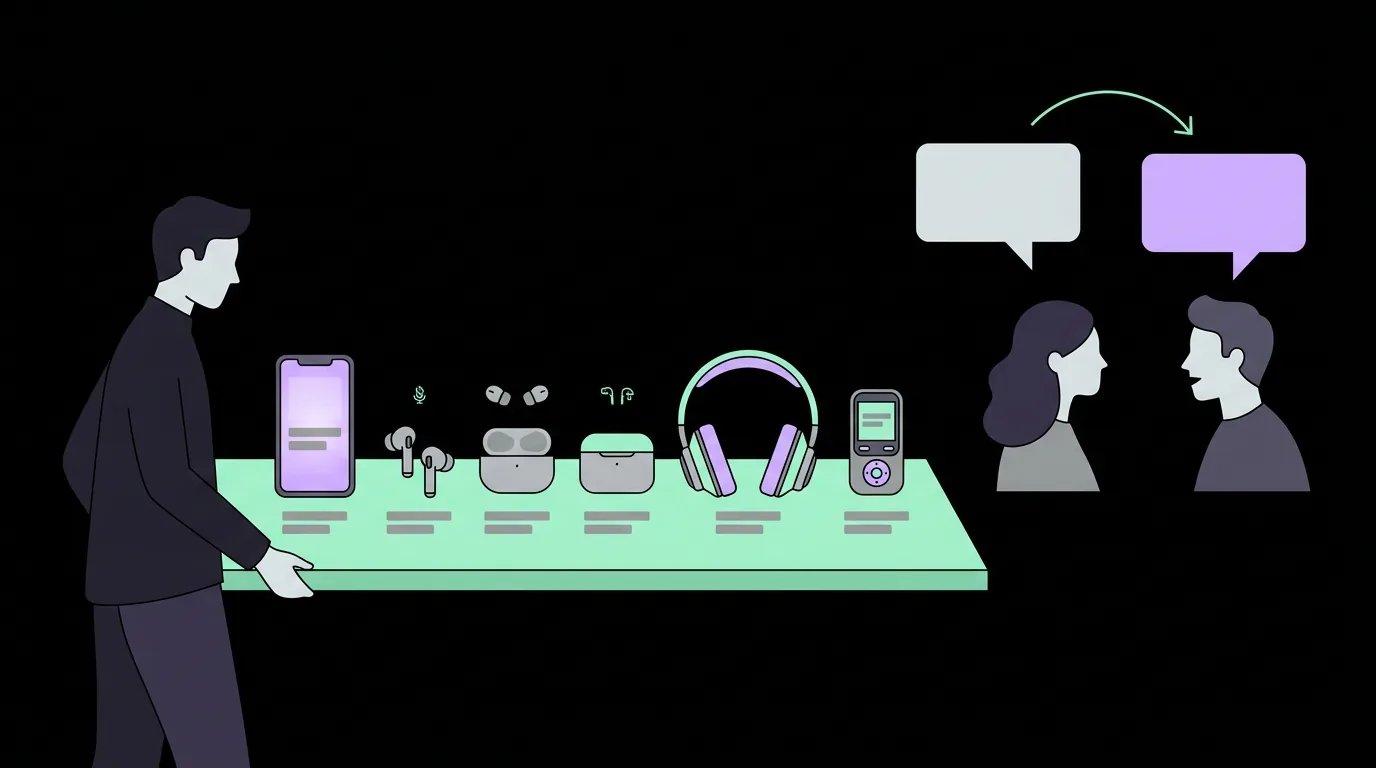
The best Timekettle alternative is usually the one you already own. If you have a recent iPhone and AirPods, or a phone with Google Translate or Microsoft Translator installed, you can test live conversation translation for nothing before you spend $149 to $449 on a dedicated pair. If you do want dedicated hardware, Vasco and Pocketalk are the two direct competitors with published prices, and both cost in the same range as Timekettle's own lineup. The eight options below fall into three routes: free features on your phone, other dedicated devices, and software that runs on headphones you already have. Timekettle still wins in a few specific cases, and I name them row by row instead of pretending it never does.
One disclosure before the table. We sell one of the options on this list: the $69 AIEarbuds kit, paired with AI Translation Live, a browser translation app at $39 a year. It sits in its own row like every other entry, with the same columns, and it is not the right answer for everyone. Every price below was read from the seller's own page on 30 September 2026. Where a page would not show a price, I did not fill the gap from memory.
Why do people look for a Timekettle alternative?
Three reasons come up again and again, and they point at different answers, so it helps to know which one is yours.
Price. Timekettle's own site lists the W4 Pro earbuds at $449 and the T1 handheld at $299.99. Its cheaper M3 earbuds list at $149.99 before any sale price. That is a wide spread inside one brand, and the premium end is a lot of money for a device you might use twice a year on holiday.
You don't need a device at all. Live translation is now a feature of the phone in your pocket. Apple, Google and Microsoft each ship a version, and for many trips they cover the situation. People search for alternatives partly to find out whether the free route is good enough.
Fit. Timekettle's premium pair is built around two people each wearing one bud. That is elegant when it works and awkward when you are talking to a shop assistant who will not put a stranger's earbud in their ear. Some buyers want audio in their own ear only, and a different design does that more simply.
I compared Timekettle's own models against each other in Timekettle W4 vs WT2 Edge. This post is about what sits outside the Timekettle catalogue.
What does Timekettle still do better than most?
Fair credit first, because a list of alternatives is only useful if you know what you are giving up.
The W4 Pro's own page describes simultaneous interpreting, meaning both people can speak without taking turns, plus phone call and video call translation. Those are real capabilities that most free apps do not match in the same form. Timekettle's FAQ also states the W4 Pro includes all features with no subscription, which is a genuine plus in a category where recurring fees are common. I dug into that pattern in the real cost of translation earbud subscriptions.
If you want simultaneous mode with one bud in each person's ear, and you will use it often enough to justify the price, Timekettle is a reasonable choice and none of the alternatives below copy that exact design at a lower price. One caveat from the same FAQ: some offline language packs are free with a coupon and then paid per pair, so the "no subscription" line does not mean every feature is free forever.
Which free options cover most of the same ground?
Three free routes are worth testing before you buy anything.
Google Translate. Google's own page lists a conversation mode for talking with someone who speaks a different language, a transcribe mode for following speech, camera translation, and downloadable languages for use without an internet connection. It costs nothing. You hold a phone between two faces, which is the thing earbuds exist to avoid, but as a first test it is unbeatable. Read what Google lists on its Translate page and try a sentence before deciding what you actually need.
Microsoft Translator. Microsoft's Translator app page describes translated captions for a live conversation and offline translation packs you download before a trip. Like Google's, it is free to download. It also suits a small group in one room better than most earbud pairs do, because the phone screen is shared.
Apple's Live Translation on AirPods Pro 3. This is the one free route that actually puts audio in your ear, but only if you already own the right gear or are about to buy it. Apple's page states that AirPods Pro 3 cost $249.00 and that Live Translation works with an Apple Intelligence enabled iPhone on iOS 26 or later, in select languages and regions. Your reply appears in the other person's language on your iPhone screen. If you already own AirPods Pro 3 and a compatible iPhone, this costs nothing extra. If you would buy the AirPods only for translation, you are paying $249 for a feature you may only use on trips. See Apple's AirPods Pro 3 page for the current language list before you assume yours is covered.
I wrote a separate comparison of that route in AirPods Live Translation vs translation earbuds.
Which dedicated devices compete directly?
If you want a physical device rather than a phone feature, the direct competitors are Vasco and Pocketalk. Both have published prices, and both charge more than a cheap marketplace pair.
Vasco Translator E1. Listed at $389 on Vasco's site, earbuds for conversations in 51 languages. They connect through the free Vasco Connect app on your phone, or to one of Vasco's handheld translators. Vasco's page states that pairing the earbuds with a handheld gives you free lifetime internet for translations in nearly 200 countries. That is a real advantage if you dislike depending on hotel Wi-Fi.
Vasco Translator V4. A handheld, not earbuds, listed at $449 with free lifetime internet in the product title. It suits someone who wants one dedicated device with connectivity solved and does not mind holding it.
Pocketalk S2. A handheld with a touchscreen and a camera for translating text. Pocketalk's own store lists the S2 with a five year eSIM at $299, and the S2 Plus with the same term at $349. Pocketalk describes support for 92+ languages on its S2 page.
Compared with these, Timekettle's W4 Pro at $449 sits at the top, its T1 handheld at $299.99 lines up with the Pocketalk S2, and the E1 undercuts the W4 Pro by $60. None of that is a quality ranking. It is only what the sellers' own pages say today.
For a three-way version of this comparison see Timekettle vs Vasco vs Pocketalk.
What about software on headphones you already own?
This is the route most alternatives lists skip, and it is where our own product sits.
A translation earbud is a microphone and a speaker attached to someone else's translation software. If you own headphones you like, the missing piece is the software. Google Translate and Microsoft Translator run on the phone and play through whatever headphones the phone is connected to, and they are free. AI Translation Live, our own product, is a browser app that runs on a phone or laptop and plays back through whatever audio output that device is using. It costs $39 a year.
The honest comparison is between Live and the free apps, not between Live and Timekettle. Google and Microsoft are excellent and free. Live is worth a look if you specifically want a speech to speech flow in the browser without installing anything, and it is worth paying for only if you like it after trying the demo. That demo is on the home page, free, before you enter any details.
The $69 kit is the cheap end of the hardware route. I have said before that the earbuds themselves are a commodity, and that our argument is the software and the fact that both prices are written down. I put that case at length in the best translation earbuds roundup and covered the low end in cheap translation earbuds.
The verdict table
| Alternative | Best for | Published price | Software cost | One reason you'd still pick Timekettle |
|---|---|---|---|---|
| Google Translate | A free first test on any phone | Free | Free | Hands-free, with audio in the ear rather than a phone held between two people |
| Microsoft Translator | Small groups in one room | Free | Free | Simultaneous mode without a shared screen |
| Apple Live Translation with AirPods Pro 3 | iPhone owners who already have the AirPods | $249.00 (AirPods Pro 3) | No extra fee stated | Built for translation first, not added to a general earbud |
| Google Pixel Buds Pro 2 | Android owners in Google's ecosystem | $229 on Google's store | Google's store page lists Live Translate as coming September 2026 | A product that translates today, not from a promised date |
| Vasco Translator E1 | Travellers who want connectivity handled | $389 | Free app; free lifetime internet when paired with a Vasco handheld | Phone call and video call translation is listed on Timekettle's W4 Pro page |
| Vasco Translator V4 | One dedicated handheld with data included | $449 | Free lifetime internet | Earbuds, not a device you hold |
| Pocketalk S2 | Zero-setup point and talk | $299 with five year eSIM | Data term stated in the listing name | Earbuds instead of a handheld |
| AIEarbuds kit + AI Translation Live (ours) | Testing the earbud route for the least money | $69 | $39 a year, optional | Two people each wearing a bud in a shared conversation |
Read the last column as a set of trade-offs, not a scoreboard. Every alternative gives up something Timekettle offers, and every Timekettle model costs more than the free options.
Which alternative fits which buyer?
Match the row to the reason you are leaving.
"It costs too much." Start with Google Translate or Microsoft Translator, both free. If you want audio in your ear and already own AirPods Pro 3 with a compatible iPhone, use Apple's feature. If you want to buy hardware for the least money, the $69 kit is the cheap end of the range, with the software price stated up front.
"I need it to work everywhere without Wi-Fi." Look at the Vasco pair, where the free lifetime internet is part of the product, or the Pocketalk with its five year eSIM. Check the eSIM's country coverage on the seller's page before you rely on it, because coverage is the number that matters and I have not tested it.
"I hate holding a phone." Earbuds are the answer, and that is Timekettle's home ground. The E1 and the kit are the other options, and Apple's route if you already have the gear.
"I only travel once or twice." Pay nothing first. Run the free apps on the real conversations you expect. If they fail, you have a specific reason to spend, which is a better purchase than an impulse one.
I have not measured accuracy, battery life or language quality for any product here, and neither should you trust a vendor's own figures without a protocol behind them. Judge with your own sentences.
We sell one of the options on this list. Try the free demo on the home page and judge it yourself.
Frequently asked questions
What is cheaper than Timekettle?
Google Translate and Microsoft Translator are free. Apple's Live Translation costs nothing extra if you own AirPods Pro 3 and a compatible iPhone. Among devices, Timekettle's own M3 lists at $149.99, and our kit is $69 with an optional $39 a year for Live. Pocketalk and Vasco both list above $299.
Is there a free alternative to Timekettle earbuds?
Yes, but it is a phone feature rather than an earbud. Google Translate has a conversation mode and downloadable languages, and Microsoft Translator offers translated captions and offline packs. If you already own the right AirPods, Apple's Live Translation puts the translation in your ear at no extra charge.
Are Timekettle alternatives on Amazon any good?
Some are, but marketplace listings vary too much to answer in one line. The same rules apply as for any budget pair: check what the app costs after the box is open, whether renewal terms are stated, and where your audio goes. Test on your own sentences before you rely on it. I walked through the questions to ask in the cheap translation earbuds guide.
Which Timekettle alternative works offline?
Google Translate and Microsoft Translator both offer downloadable languages according to their own pages, though text and conversation features differ. Pocketalk and Vasco include their own connectivity rather than depending on Wi-Fi. That is not the same as working offline. Check each seller's page for the exact offline languages you need, because I have not tested them.