Pocketalk vs Google Translate: Is the Device Worth It?
By Mark Fulton · October 1, 2026
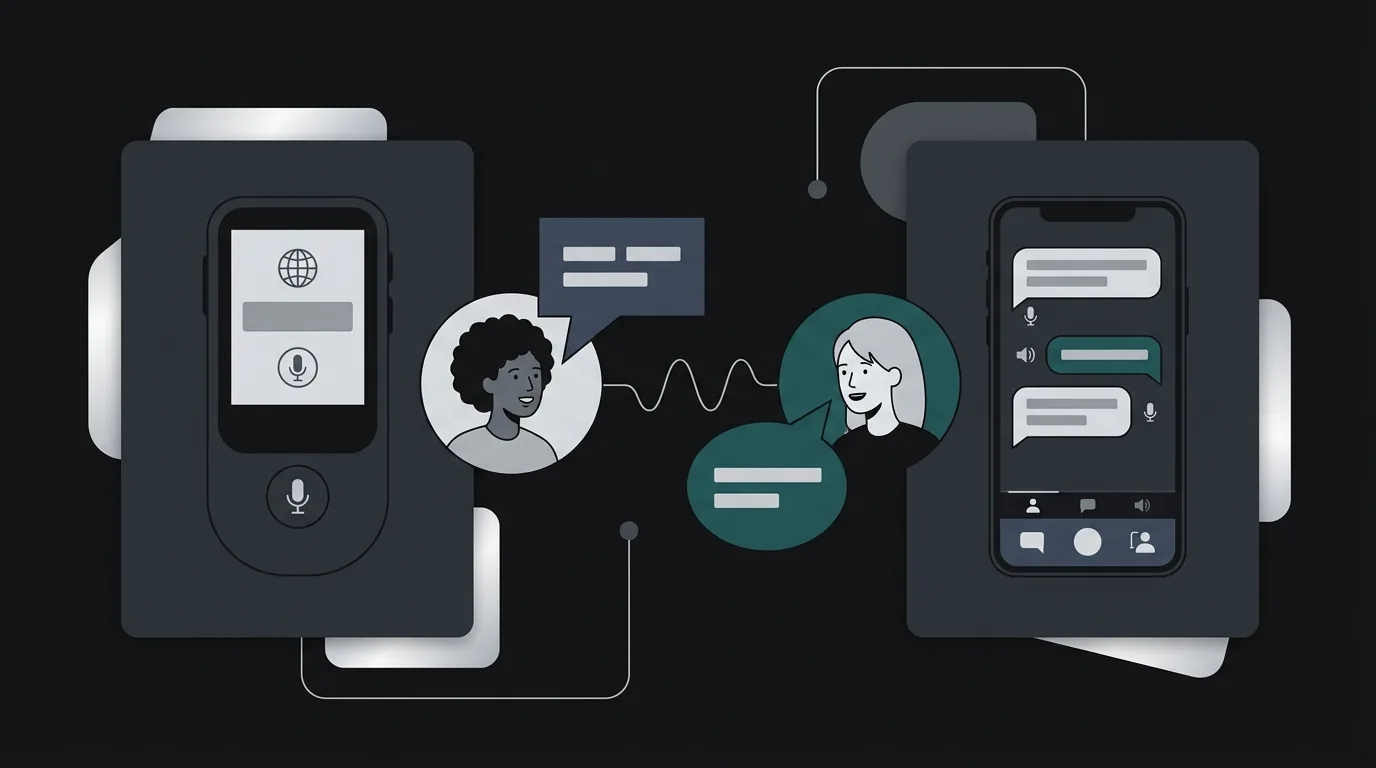
For most individual travellers, Google Translate on the phone you already own covers the job, and it costs nothing. Pocketalk earns its price in narrower situations: a device you hand across a counter instead of your own phone, a built-in data plan so translation never touches your roaming bill, and locked-down shared units for staff at a school office, front desk or clinic. I could not find a current independent test that puts the two head to head, and the best-known reviews are three to eight years old, so treat any claim that one is simply "more accurate" as unproven. Below is a ten-scenario matrix that names the deciding factor in each case.
I sell a competing product, a $69 earbud kit and a $39-a-year translation app, so weigh my view accordingly. Every Pocketalk and Google fact below comes from a page I read on 1 October 2026 and is attributed to it. Where I couldn't confirm a number, I say so.
What does Pocketalk do that a phone app doesn't?
Three things, and none of them is "translates better."
It is a single-purpose device. Pocketalk's own blog post on why handhelds still matter, published in August 2025, frames this as the point: a dedicated device that does one thing, with no notifications, no personal accounts and no personal data on it. That framing matters most to organisations. The same post says Pocketalk is certified to ISO 27001 and 27017 and lists compliance with COPPA, FERPA, HIPAA and GDPR, and says translation data is not stored on the device by default, with encrypted transcripts visible through an admin portal. These are Pocketalk's statements about itself, and I haven't audited them. They do explain why a hospital or a school district would rather buy a fleet of devices than ask staff to use personal phones.
It brings its own connection. The same post says the device includes an embedded eSIM with unlimited LTE data in over 170 countries for up to five years. My Pocketalk subscription cost breakdown goes through the plan terms and what happens when it ends. For a traveller, this means translation works without buying a local SIM, switching on roaming or burning phone data.
It is a physical object you can hand over. This sounds trivial until you stand at a pharmacy counter. Passing a purpose-built device to someone is a different social act from passing them your unlocked phone with your messages on it.
Pocketalk's product page for the S2 describes two-way translation across 92+ languages with noise-cancelling microphones, dual speakers, a touchscreen and a text-to-translate camera. Tofugu's 2018 review of an early Pocketalk found translation quick enough that there was no noticeable lag, and noted the device needs a constant data connection to translate. That connection requirement has not gone away. Pocketalk is not an offline translator.
Where does Google Translate match it for free?
Further than most people assume, and that is the honest centre of this comparison.
- Text, signs and menus. The free app handles all three, and Google's help page on camera translation says that once you download a language, camera translations keep working with no internet connection.
- Offline language packs. Google's help page on offline translation says you can connect to Wi-Fi, tap the download icon next to a language, and then translate without an internet connection. It also notes the language files are small enough to download over mobile data if you need to. A Pocketalk cannot translate without a connection at all, so for a no-signal hike or a flight, the free app with a downloaded pack can do something the device cannot. I wrote about what you give up in that mode in what you lose when translation goes offline.
- Cost. The app is free. A Pocketalk S2 was $299 on Pocketalk's store when I last checked it for the subscription post, with the S2 Plus at $349.
Where the app wins on convenience, it is because you already carry it. Where it loses is everything that depends on that phone being yours: battery, privacy, a cracked screen, a low-signal moment, or a stranger you would rather not hand it to.
Why do organisations still buy handheld devices?
Because the buyer is not the traveller. A school office has a rotating cast of staff and a steady flow of parents who speak other languages. The question there is not "which engine is best" but "what can I put on every desk that anyone can use in thirty seconds, that holds no one's personal data, and that someone in IT can manage?" A free app on personal phones fails each of those tests. A managed device with an admin portal passes them, whatever the translation engine underneath.
I'd add one caution for institutions: a vendor's compliance list is a starting point for your own review, not the end of it. If a legal or privacy duty applies to you, ask for the documents, not the bullet list.
What does each cost over three years?
Three years is a fair window for a traveller who keeps a gadget. These figures use the prices above and exclude your phone, which you own either way.
| Option | Year 1 | Years 2 and 3 | Three-year total | What the total includes |
|---|---|---|---|---|
| Google Translate on your phone | $0 | $0 | $0 | App only. Roaming or local SIM data is separate. |
| Pocketalk S2 | $299 | $0 | $299 | Device plus the five-year data plan Pocketalk includes |
| Pocketalk S2 Plus | $349 | $0 | $349 | Same plan, larger model |
| Our $69 earbud kit plus $39/yr translation app | $108 | $78 | $186 | Kit once, then the yearly app fee, using your phone for the connection |
Two honest notes on that table. First, the Pocketalk rows have no data cost because the plan is bundled, while the free app row has a hidden cost for anyone abroad on roaming. If you would otherwise buy a local SIM for the trip anyway, the app's real cost is the SIM. Second, our row is only there for scale. Earbuds solve a different problem, which I come back to at the end.
How old are the reviews you are reading?
This is the part that surprised me when I looked. The reviews that rank for this question mostly predate the current state of both products:
- Tofugu's Pocketalk review is dated 30 May 2018 and covers a model that supported 63 languages. Pocketalk now lists 92+.
- PCMag's Pocketalk S review is listed in search results as April 2021. I could not load that page this run (it returned an access error to my fetch), so I'm only noting its date, not quoting its findings.
- A widely linked 2019 video comparison and a pile of forum threads from 2020 to 2024 round out the rest.
Google Translate has changed a great deal since 2018 or 2021, and so has Pocketalk. A review that said one beat the other then is a statement about two older products. If you see a confident accuracy ranking, check its date first. If you care about quality for your actual language pair and your actual voice, the only test that counts is the one you run yourself: say the same five sentences, including one with a name and one with a number, into both, and see which one you would trust at that counter.
Ten situations, scored
The scoring below is my judgement, not a lab result. "Either" means the deciding factor is something other than the tool.
| Situation | Pick | Deciding factor |
|---|---|---|
| Hotel front desk, you are the guest | Google Translate | You already have the phone and a Wi-Fi connection |
| School office with rotating staff | Pocketalk | A shared device with no personal accounts and no personal data on it |
| Taxi with a driver who does not share a language | Either | A phone works, but a device you can pass over avoids handing a stranger your phone |
| Pharmacy or clinic counter | Pocketalk | Privacy and a clean handoff, and a vendor with documented compliance claims you can review |
| Trip with no roaming and no local SIM | Pocketalk | Its bundled data plan; the app needs a connection too, unless you downloaded languages first |
| Remote hike with no signal | Google Translate | Downloaded language packs work with no connection; Pocketalk needs one |
| Shared staff device at a front desk | Pocketalk | One locked unit, managed centrally |
| Reading signs and menus | Google Translate | Camera translation on the phone, free, works offline once downloaded |
| Casual chat with a host family | Either | A phone app is enough; the device is a nice-to-have |
| A long sit-down meeting | Neither, usually | Handing a gadget back and forth for an hour is the problem. Hands-free audio is a different category. |
Which one should you choose?
Use this short test.
- Are you one person on a trip? Start with Google Translate and download your languages before you leave. Spend nothing until it fails you.
- Is the thing you fear running out of data, battery or privacy on your own phone? A dedicated device is worth pricing.
- Are you equipping staff or a front desk? The shared, managed-device case is the one place the handheld clearly wins on structure rather than taste.
- Do you want to keep your hands free and keep eye contact? Neither tool solves that. That is the gap earbuds and a hands-free app are for, and I laid out that trade in translation earbuds vs phone apps. If you are weighing the handhelds against earbuds from other brands, this three-way comparison covers Pocketalk's published terms alongside two others.
Prefer audio in your ears to handing over a device? You can try the demo on the home page: speak once, hear it come back translated, and compare it against whatever you use now.
FAQ
Is Pocketalk more accurate than Google Translate?
I can't give you a trustworthy yes or no. The independent tests I found are dated 2018 and 2021, and both products have changed since. Pocketalk's own materials describe it as using multiple engines, and Tofugu's 2018 review noted it consolidated online services including Google Translate. Run your own five-sentence test in your language pair before paying for accuracy.
Do I need a translator device if I have Google Translate?
Usually not. If you are one traveller with a phone, the free app with downloaded languages handles menus, signs and short conversations. A device makes sense when you need a shared unit, a bundled data plan, or a handoff that does not involve your own phone.
Does Pocketalk work without a phone?
Yes. It is a standalone device with its own screen, microphones and speakers, and Pocketalk says it includes an eSIM data plan. It does need an internet connection to translate, through that plan, Wi-Fi or a hotspot, so it is not an offline tool.
Why do schools use Pocketalk?
The reasons Pocketalk itself gives are a dedicated device with no personal data, certifications and compliance claims it lists for education and other sectors, and an admin portal. Those are the vendor's statements. A school's own reason is usually simpler: one unit on every front desk that any staff member can pick up without logging into anything personal.