Translation Earbuds Not Working? A Troubleshooting Order
By Mark Fulton ·
Last verified:
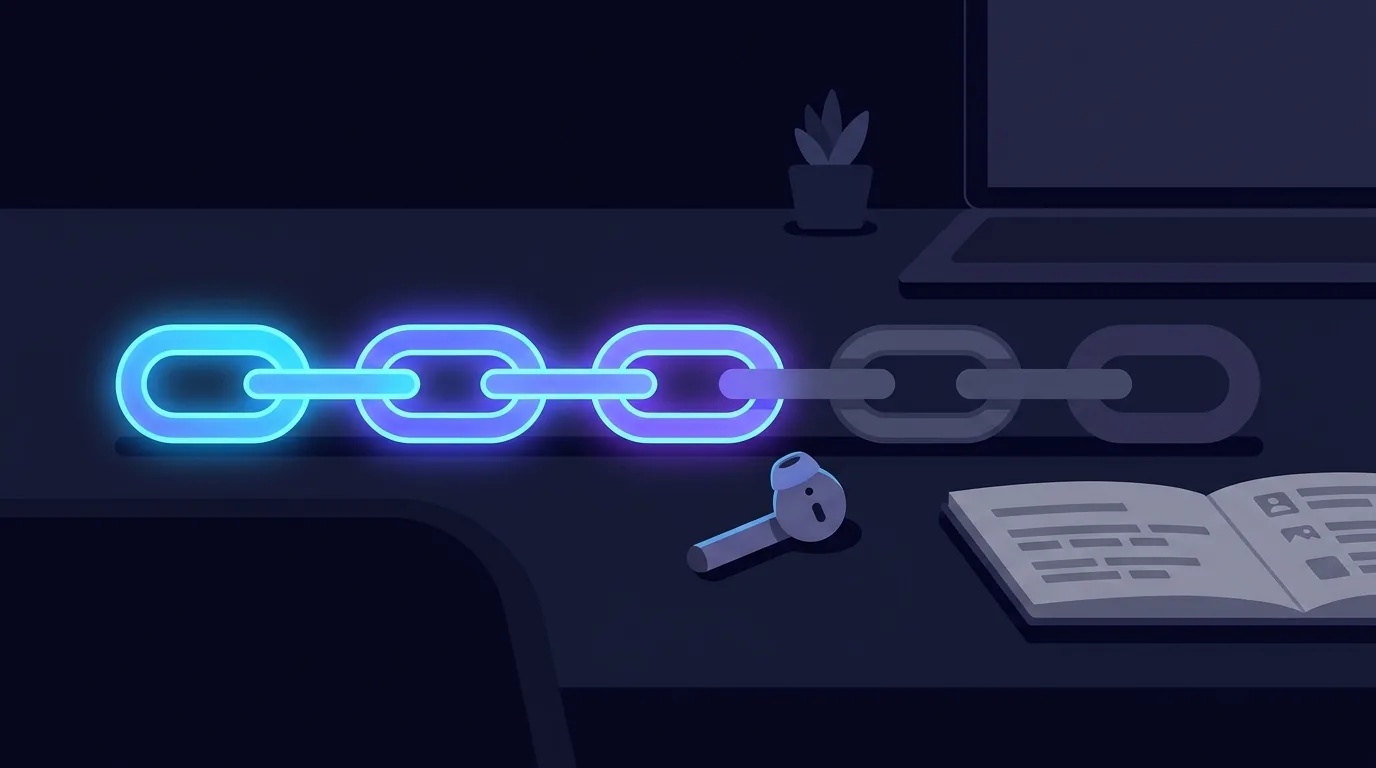
When translation earbuds stop working, the fault is almost always in one of five layers, and the fastest fix is to test them in a fixed order and stop at the first one that fails: the Bluetooth link between earbuds and phone, the microphone permission on the translation app, the language selection inside that app, the internet connection behind it, and last, how the speaker is delivering the sentence. Resetting everything at once feels productive, but it hides which layer was broken, so the same fault comes back next week. Work top to bottom, change one thing at a time, and retest after each change. Only when all five layers pass is it worth suspecting the earbuds themselves.
This order applies to any pair and any app, including ours. It names no brand on purpose, because the layers are the same whatever is printed on the case.
Is it the earbuds, the phone or the app?
Translation earbuds are rarely a self-contained product. In most setups the earbuds are a microphone and a speaker, and the phone app does the recognising, translating and speaking. I walked through that chain in how translation earbuds actually work. The practical consequence is that "the earbuds don't work" can mean three different things, and the first job is to work out which.
Run a two-minute split test before touching any setting:
- Play music or a video through the earbuds. If you hear it, the audio path out to your ears works. If you do not, the problem is the Bluetooth link or the earbuds themselves, and you can skip the later layers for now.
- Run the translation app with the phone's own microphone and speaker, earbuds disconnected. If it translates, the app, the language setting and the connection are fine, and the fault sits in how the earbuds hand audio to the phone.
- Say a short sentence and watch the screen. If text appears but you hear nothing, the output route is wrong. If nothing appears, the microphone or recognition step is failing.
That split tells you which of the next sections to read. The table below maps the five symptoms people report most to the first thing to check.
| Symptom | First thing to check | Usual fix |
|---|---|---|
| No sound at all | Is audio routed to the earbuds? | Reconnect, then pick the earbuds as the output in the phone's audio menu |
| Music plays, translation is silent | Is the app set to speak the result aloud? | Turn on spoken output in the app, raise the app's own volume |
| One earbud silent | Are both earbuds paired to each other? | Return both to the case, reset the pair, reconnect |
| Wrong language comes out | Source and target selection in the app | Swap or re-pick the pair, restart the session |
| Long delay or it stops listening | Connection quality, then phrase length | Move to a stronger signal, speak in shorter sentences |
Why does Bluetooth connect but nothing translates?
A phone showing "Connected" tells you a link exists. It does not tell you the right kind of link exists. Bluetooth audio uses profiles, which are agreed ways of carrying a specific kind of data. Android's own developer documentation describes two that matter here: the Advanced Audio Distribution Profile for streaming high-quality audio one way, and the Hands-Free profile that headsets use for two-way calls (see the Android Bluetooth overview). Music plays over the first. Capturing your voice from the earbud microphone depends on the second, or on whatever the vendor's own app arranges.
That is why a pair can play your playlist perfectly and still translate nothing. The speakers work and the microphone route does not. Try these steps in order:
- Turn Bluetooth off and on on the phone, then reconnect the earbuds.
- Forget the earbuds in the phone's Bluetooth list and pair them again from scratch, with both earbuds in the case first. Stale bonds are a common cause of a link that looks healthy and behaves badly.
- Close other apps that grab audio, such as video calls, voice recorders and music players. Only one app generally holds the microphone at a time.
- Check you are not connected to two things at once. A car, a laptop or a second phone can quietly take the earbuds' connection when it is in range.
- Re-open the translation app after reconnecting, not before. Some apps pick their audio device when they start and never look again.
If the split test showed the app works on the phone's own microphone, this is almost certainly your layer.
Which permissions block the microphone?
An app cannot hear you unless the phone has been told it may. On iPhone, Apple's support guide explains that you can review and change this under Settings, then Privacy and Security, then Microphone, where each app has its own switch, and that an orange indicator appears whenever an app is using the microphone (see Apple's guide to hardware access on iPhone). That orange dot is a useful diagnostic. Start a translation and look for it. If it never appears, the app is not listening at all, and no amount of Bluetooth resetting will help.
Android keeps an equivalent list in the system settings under the app's permissions. The wording differs between phone makers, but the idea is the same: find the translation app, open its permissions and confirm the microphone is allowed. Three traps catch people repeatedly:
- "Only this time" or "while using the app" choices. A permission granted for one session can lapse. Set it to allow while the app is in use.
- Denied once, never asked again. If you tapped "Don't allow" on the first launch, the app may not prompt a second time. You have to fix it in settings by hand.
- A browser-based tool needs the permission too. If your translator runs in a web page, the browser has its own site permission for the microphone, separate from the phone's setting for the browser app.
A related catch: a permission toggle can be on while a different app has the microphone busy. A call, a screen recording or a voice assistant listening in the background can all hold it. Close them and retry before assuming the toggle is broken.
Why does it translate into the wrong language?
Wrong-language output looks like a hardware fault and almost never is one. The earbuds do not know what language you speak. The app does, because you told it, and it does exactly what its selection says.
Check these in order:
- Source and target. Open the app and read the two language labels. A swapped pair is the most common cause of "it just repeats what I said" or "it answers in my own language".
- Regional variants. Some apps separate similar varieties, such as different regional forms of the same language. Picking the wrong variant can degrade recognition even when the base language is right.
- Auto-detect. If the app guesses the spoken language, a short sentence or a loud room can push it to guess wrong. Switch to a fixed pair for the conversation.
- Whose turn it is. In a two-way session, the app listens for one language at a time. If you speak your language while it is set to listen for theirs, you get nonsense. Use the turn button or toggle rather than talking over the switch.
If one language is the problem every time, try the other direction of the pair on its own. Some pairs perform differently from one side to the other, and it helps to know which side to speak slowly.
What does a bad connection look like?
Most translation runs through servers, so the internet connection matters as much as the Bluetooth link. I covered the details in do translation earbuds need Wi-Fi. For troubleshooting, what you need is to recognise the signature of a weak connection:
- Long, uneven pauses before the translation begins, then a sudden burst.
- The first sentence works, later ones stall. The session starts on a good signal, then the phone drops to a weaker one.
- Text appears, speech does not, or the reverse, because different stages are timing out at different moments.
- "Listening" that never ends. The app is waiting for a response that is not coming.
Run a quick test by opening any web page on the same connection. If it loads slowly, the translation will too. Then try the practical fixes: move closer to the router, switch between Wi-Fi and mobile data, turn off a VPN while testing, and avoid hotel or café networks that make you accept a terms page before they let traffic through. Some of those networks will connect your phone and still block the app until you complete the sign-in page.
Do not mistake your own delivery for a connection fault, either. Run-on sentences, mumbling and talking while the other person is still speaking all produce the same delays and cut-offs. The guide on how to speak for better translation covers phrasing that gives recognition its best chance. Short sentences, one speaker at a time, and a pause before you expect an answer fix more "not working" complaints than any setting does.
When is it a faulty pair?
Rule out the hardware last, because it is the least likely cause and the most expensive conclusion. A pair is probably faulty when all of these are true:
- Music or video audio fails or cuts out on more than one phone, not only yours.
- A different translation app, or the phone's own microphone, works fine while the earbuds still fail.
- You have forgotten the pairing, reset the earbuds following their own instructions, and re-paired with nothing else in range.
- One earbud stays silent after both are returned to the case and reset together.
Those results point away from your phone and your app, and toward the earbuds. At that point, use the seller's returns or warranty route and keep a note of what you tried. Nothing in this order needs special tools, so a support team can verify each step from your description.
Take care with the opposite mistake as well. Some low-cost "translation earbuds" are ordinary earbuds that depend on a separate app, and the app is what stopped working: removed from a store, changed its login, or moved behind a plan. If the earbuds play music and the app is the weak point, you may be better off with a different app on the same earbuds.
How do you rule out the earbuds entirely?
The cleanest way is to take them out of the loop. Run the live demo on the home page in your phone's browser, using the phone's own microphone and speaker with the earbuds disconnected. If translation works there, your phone, microphone permission and connection are healthy, and what remains is the Bluetooth hand-off or the earbud pair itself. If it fails there too, the problem is upstream of the earbuds, and the permission and connection sections above are where to look.
FAQ
Why won't my translation earbuds translate?
Work the five layers in order. Check the Bluetooth link, the microphone permission, the app's language pair, the connection and your phrasing, and stop at the first one that fails. The split test in the first section tells you whether the app works without the earbuds, which separates app faults from earbud faults in about two minutes.
Why can I hear music but no translation?
Music uses a one-way audio path, and translation also needs your voice to travel back to the phone. If music works and translation does not, suspect the microphone permission, a second app holding the microphone, or the app being set not to speak results aloud. Look for the microphone indicator on your phone when you start a translation. If it never appears, the app is not listening.
Why does only one earbud work?
Earbud pairs normally connect to each other as well as to the phone. When one stays silent, return both to the charging case, reset them following the maker's instructions, forget the pairing on the phone and pair again. Clean the contacts and the earbud mesh gently if the case needs it. If one earbud still fails across several phones, treat it as a faulty pair.
How do I reset translation earbuds?
The exact button sequence is different for every model, so use the maker's instructions for the physical reset. The part that applies to every pair is on the phone: forget the earbuds in Bluetooth settings, restart the phone, then pair again with nothing else in range. Reset the app by closing it fully and reopening it after the earbuds are connected.